
What are the Sponsored Brands video specs?
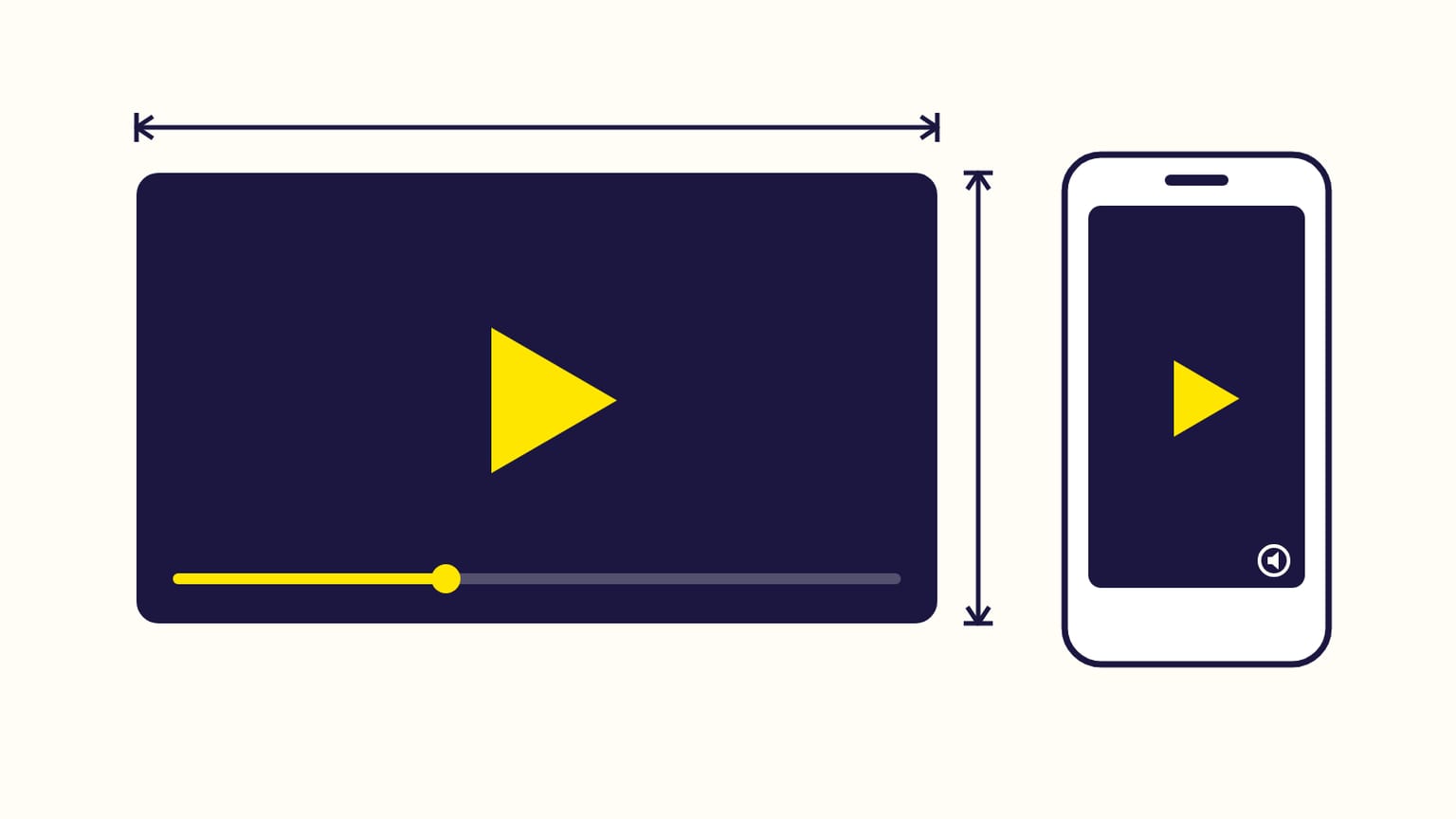
Sponsored Brands video specs: 6 to 45 seconds, 1280x720 to 3840x2160, MP4 or MOV, 500 MB max, H.264 or H.265. Plus the rules that get videos rejected.
A Sponsored Brands video must last 6 to 45 seconds (20 or less recommended), be 1280x720, 1920x1080 or 3840x2160 pixels, and be an MP4 or MOV file of 500 MB or less, encoded in H.264 or H.265. It plays on its own, without sound, once half of it is on screen. The ad shows one product, and the click leads to its product page or to your Store.
Specs from Amazon's ad specs page and help pages, checked in October 2026.
The video file
| Spec | Requirement |
|---|---|
| Length | 6 to 45 seconds; 20 seconds or less recommended |
| Dimensions | 1280x720, 1920x1080 or 3840x2160 px |
| Aspect ratio | 16:9 on the specs page (see vertical video below) |
| File | .MP4 or .MOV, 500 MB or less |
| Video codec | H.264 or H.265, Main or Baseline profile |
| Frame rate | 23.976, 23.98, 24, 25, 29.97, 29.98 or 30 fps |
| Video bit rate | 1 Mbps minimum, 4 Mbps or more recommended |
| Scan type | Progressive |
| Audio | PCM, AAC or MP3; stereo or mono; 96 kbps and 44.1 kHz minimum |
The rules that get a video rejected
- No bars. No black, colored or blurred bars around the video (letterbox or pillarbox).
- No blank or black frames at the start or the end.
- No fake buttons or watermarks that push shoppers to click.
- Nothing over the corners Amazon uses. Keep text and key information out of the lower right corner, where the mute button sits; nothing may hide the "Sponsored" label or the mute button, unless the video has no sound.
- The marketplace's language. A video must match the language of the marketplace where it runs.
- A general audience. All content must suit everyone.
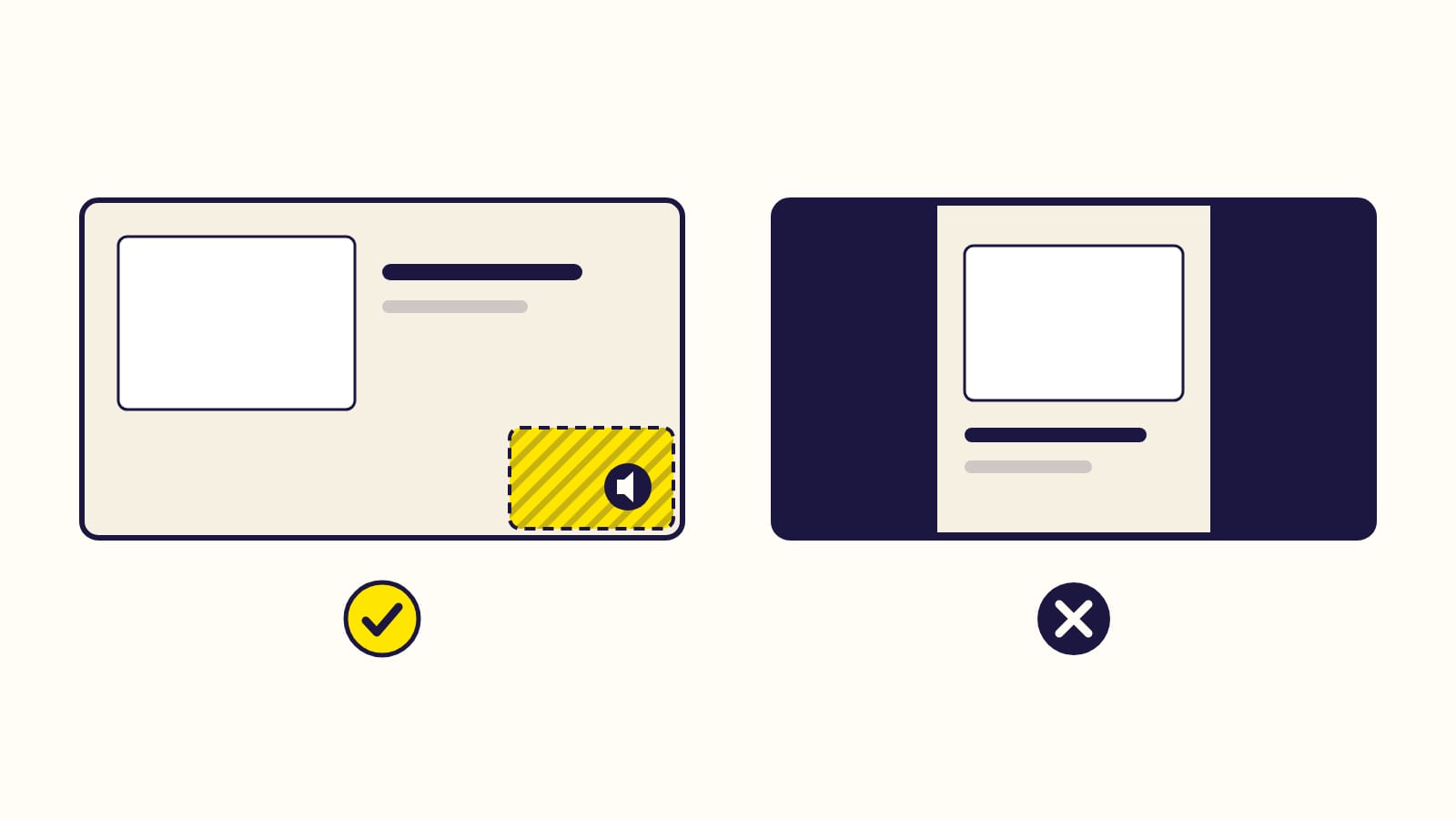
Left: keep the lower right corner clear, where the mute button sits. Right: no bars around the video.
Vertical video
Amazon's specs page still lists 16:9 only. Its help pages, updated more recently, mention vertical 9:16 Sponsored Brands videos and let authors attach "a horizontal or vertical video". What they forbid is faking it: do not add bars to a 16:9 video to make it vertical, and do not crop a horizontal or square video into a vertical one; Amazon says this lowers quality and cuts text and product shots. Film vertical, or stay 16:9.
What makes a video work
Amazon's own advice:
- Show the product, or something interesting, in the first seconds.
- Put your brand name and logo later in the video, and end on a card that shows them clearly.
- Make it understandable without sound: it starts muted.
- Pick a product with several images and a detailed description on its page.
The logo
Your logo appears in Sponsored Brands ads: 400x400 px or larger, 1 MB or smaller, PNG or JPG, filling the image or on a white or transparent background, never on a busy background.
Frequently asked questions
How many products can a video ad show?
One. Authors can show up to 3 books when the video leads to their Author page (Sponsored Brands for KDP authors).
How long does the review take?
Usually 24 hours, up to 3 business days, like every Sponsored Brands ad. What Sponsored Brands ads are.
Sources
- Sponsored Brands video: ad specs and guidelines, Amazon Ads
- Sponsored Brands moderation, Amazon Ads
- Create a Sponsored Brands campaign, Amazon Ads
- Sponsored Brands set-up (logo specs), Amazon Ads
- Ad specifications overview, Amazon Ads
Gloriads is an Amazon Ads automation platform that creates, monitors and optimizes Sponsored Products campaigns for sellers, brands, authors and agencies, by rules you control. See how it works.