
Sponsored Brands vs Sponsored Products: what is the difference?
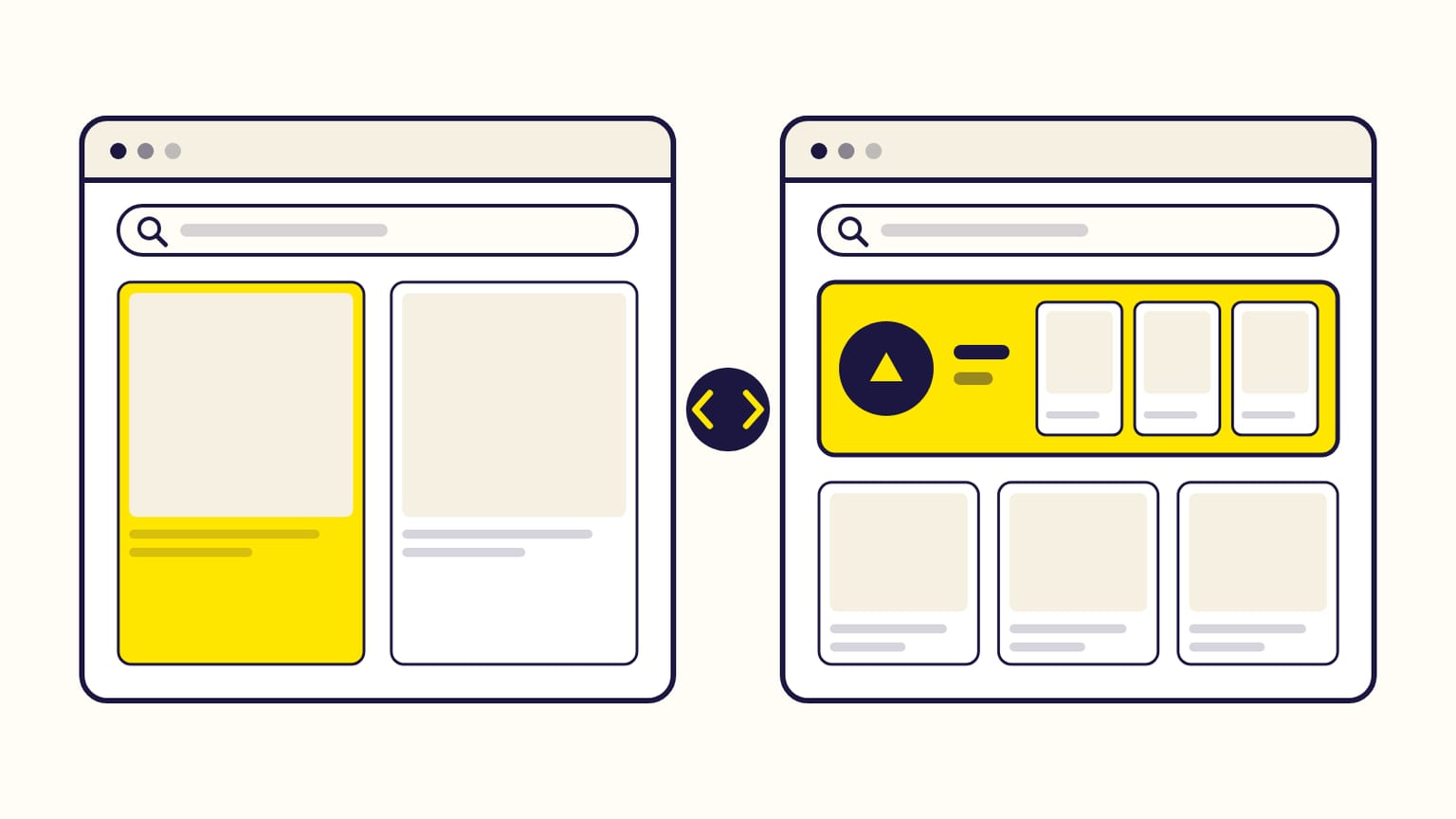
Sponsored Products sells one product and links to its page. Sponsored Brands sells your brand: logo, headline, several products, a Store. Side by side.
Sponsored Products advertises one product and sends the shopper to its product page. Sponsored Brands advertises your brand: a logo, a headline and several products (or a video), sending the shopper to your Store or to a page of your products. Sponsored Products is open to almost every seller and is paid per click. Sponsored Brands requires Brand Registry for sellers and can also be paid per 1,000 viewable impressions.
Most advertisers start with Sponsored Products, then add Sponsored Brands once their products sell. New to Sponsored Brands? Start with what Sponsored Brands ads are. Checked against Amazon's help pages in October 2026.
Side by side
| Sponsored Products | Sponsored Brands | |
|---|---|---|
| Promotes | One product | Your brand: 3 to 10 products, or a video |
| Looks like | A listing marked "Sponsored" | A banner with your logo and headline |
| A click goes to | The product page | Your Store, a page Amazon builds, or a product page |
| Appears | Search results, product pages, and off Amazon in the US | Mostly at the top of search results |
| Pricing | Per click | Per click, per 1,000 viewable impressions, or fixed |
| Targeting | Automatic or manual | Keywords, or products and categories |
| Who can use it | Most sellers, vendors, authors | Brand-registered sellers, vendors, authors with 3 books |
| Creative | None | Logo, headline, images or a video |
| Review | Book ads only | Always, usually 24 hours |
When to use Sponsored Products
- To sell a product now. The ad looks like a normal listing and leads straight to the page where shoppers buy.
- To start. No logo, no video, no Brand Registry (it is required only for Sponsored Brands and Stores); with automatic targeting, Amazon chooses the keywords and products for you.
- For a single product or a catalog of unrelated items.
When to add Sponsored Brands
- To own the top of the search page for your brand and your category. The banner sits above the results.
- To sell more than one product per click. A collection shows up to 10 related products, and the click can open your whole Store.
- To be remembered. Amazon reports "new-to-brand" figures for Sponsored Brands: how many buyers had not bought your brand in the past 12 months. Sponsored Products does not report them.
The two do not compete with each other: Amazon describes Sponsored Products as the base and Sponsored Brands as the layer you add for discovery and branding.
Frequently asked questions
Can I run Sponsored Products and Sponsored Brands at the same time?
Yes, and Amazon recommends it: Sponsored Products first, then Sponsored Brands once your Sponsored Products campaigns run efficiently.
Which is cheaper, Sponsored Brands or Sponsored Products?
Neither has a minimum budget, and both are auctions, so the price depends on the keyword. The real difference is what you pay for: Sponsored Products charges per click only; Sponsored Brands can also charge per 1,000 viewable impressions.
Can authors use both?
Yes. KDP authors can run Sponsored Products with one book and Sponsored Brands with at least three under one pen name. Sponsored Brands for KDP authors.
What about Sponsored Display?
Sponsored Display targets audiences and product pages instead of keywords, on and off Amazon. Sponsored Brands vs Sponsored Display.
Sources
- Understand Sponsored Products, Amazon Ads
- Understand Sponsored Brands, Amazon Ads
- Get started with sponsored ads, Amazon Ads
- Understand targeting, Amazon Ads
- Create multi ad product campaigns, Amazon Ads
- Sponsored ads new-to-brand metrics, Amazon Ads
- Copy a campaign (book ads are reviewed in every ad type), Amazon Ads
Gloriads is an Amazon Ads automation platform that creates, monitors and optimizes Sponsored Products campaigns for sellers, brands, authors and agencies, by rules you control. See how it works.