
Dynamic bids down only vs up and down: which should you use?
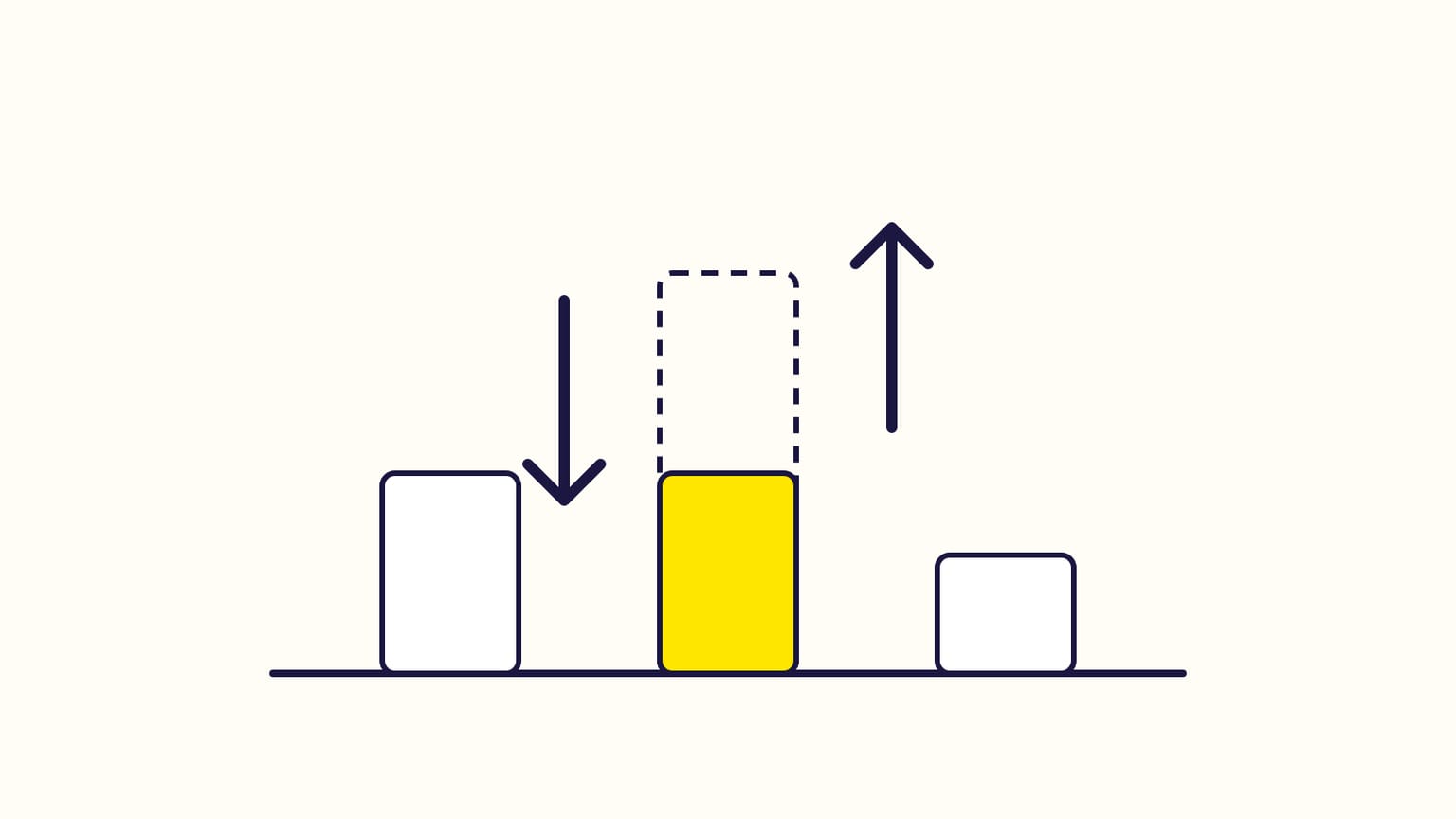
Amazon's bidding strategies: down only lowers your bid when a sale is unlikely, up and down can also raise it up to 100%, fixed keeps it. Which to choose.
In Amazon Sponsored Products, "dynamic bids – down only" lets Amazon lower your bid when a click is unlikely to lead to a sale. "Dynamic bids – up and down" also lets it raise your bid by up to 100% when a sale looks likely. "Fixed bids" uses your bid exactly. Amazon recommends down only for new advertisers and tight budgets, and up and down for products that already sell well.
You choose one strategy per campaign, and can change it later. Checked against Amazon's help pages in October 2026.
The three strategies
| Strategy | With a $1 bid, Amazon… | Suggested for |
|---|---|---|
| Down only | lowers it, down to $0, when a sale is unlikely | new advertisers, strict budgets |
| Up and down | raises it up to $2 when a sale is likely, lowers it otherwise | products with good sales history, flexible budgets |
| Fixed | keeps $1 everywhere | a known target ACOS, testing new products |
With fixed bids you may get more impressions, but fewer sales for the money, according to Amazon. Up and down may bring the most sales for your spend.
Placement adjustments: bid more for the top of search
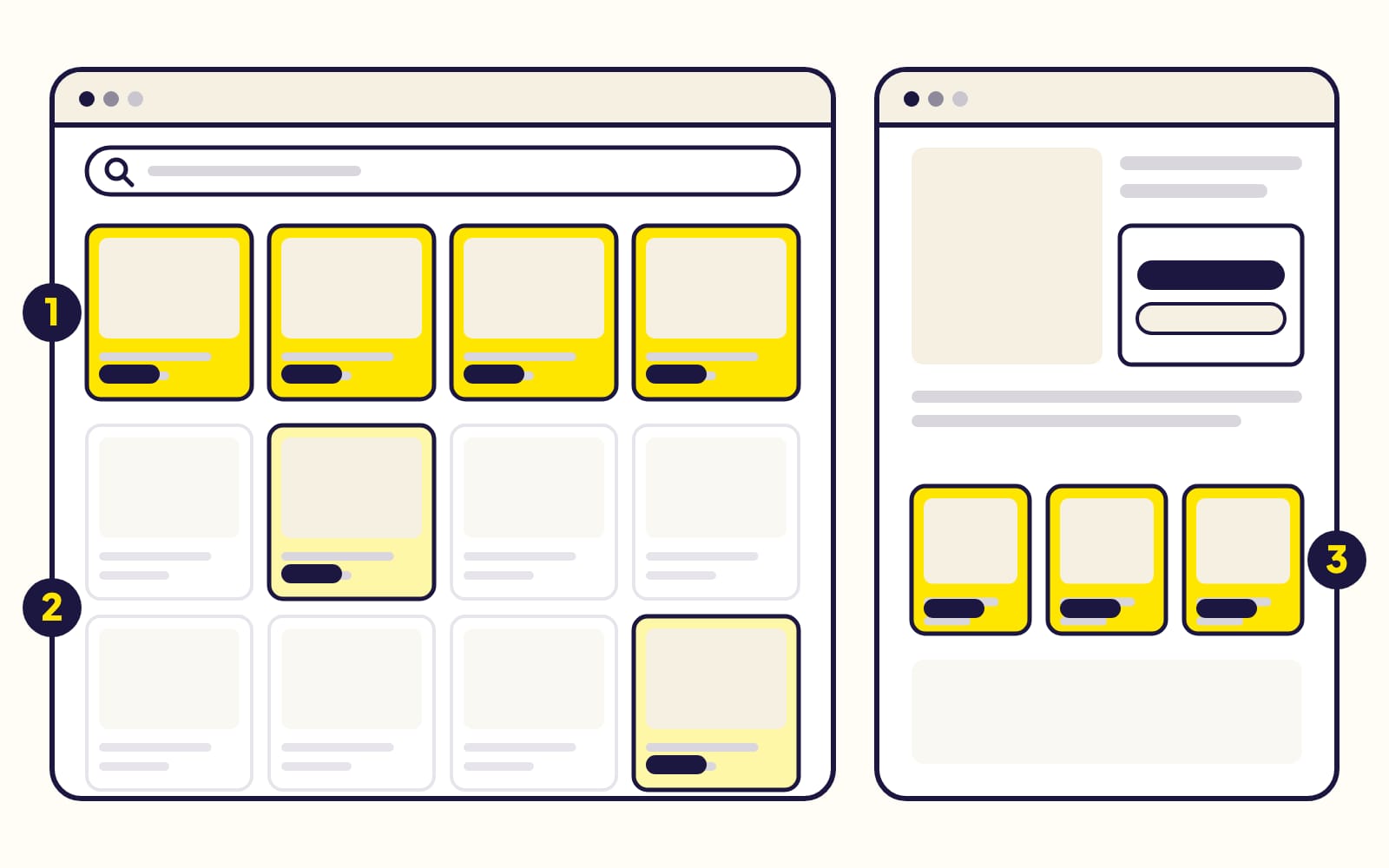
(1) Top of search: the first row of results, up to 5 ads on a computer, 4 on a phone. (2) Rest of search: lower down and on later pages. (3) Product pages.
On top of the strategy, you can raise your bid by a percentage, up to +900%, for top of search, rest of search, product pages and Amazon Business. Amazon's examples, for a $1 bid and +50% at the top of search:
- Fixed: $1.50 at the top of search, $1 elsewhere.
- Up and down: $1.50, which Amazon can raise to $3.
Placement adjustments do not apply to ads shown off Amazon.
Audience adjustments
You can also raise bids for up to 10 audiences per campaign in the US (1 elsewhere): Amazon's ready-made audiences, or your own from Amazon Marketing Cloud. If a shopper is in two of them, only the higher boost counts. It stacks with placements: $1, +50% at the top of search, +60% for the audience, is $2.40.
Rules: let Amazon steer, or schedule a raise
- Rule-based bidding: you set a target return on ad spend (ROAS), and Amazon moves your bids, up to 5 times the adjusted bid, to try to reach it. Amazon suggests waiting two weeks of data before setting the target.
- Schedule bid rules: raise bids by a percentage at chosen hours, days, dates or events (Black Friday). They add up with each other and with placement adjustments, and cannot run with rule-based bidding.
Which one should you choose?
- New campaign, new product, tight budget: down only. Amazon never raises your bid, and cuts it where clicks rarely sell.
- A product that sells well, and you want the top of search: up and down, with a budget that can absorb clicks up to twice your bid.
- You know exactly what a click is worth: fixed, and adjust bids yourself.
Frequently asked questions
Can Amazon charge more than my bid?
More than your base bid, yes: up and down and your adjustments can raise it. More than the maximum those settings allow, never.
Does dynamic bidding work off Amazon?
Yes. Dynamic and rule-based bidding still apply to ads shown on other sites and apps; placement adjustments do not. Sponsored Products off Amazon.
Sources
- Bidding strategies for Sponsored Products, Amazon Ads
- Set bids in a Sponsored Products campaign, Amazon Ads
- Adjust Sponsored Products bids, Amazon Ads
- Understand bid adjustments in Sponsored ads, Amazon Ads
- Bidding rules for Sponsored Products, Amazon Ads
- Understand Amazon Ads auctions, Amazon Ads
- Understand Sponsored Products off-Amazon advertising, Amazon Ads
Gloriads is an Amazon Ads automation platform that creates, monitors and optimizes Sponsored Products campaigns for sellers, brands, authors and agencies, by rules you control. See how it works.