
Do Amazon Sponsored Products ads show off Amazon?
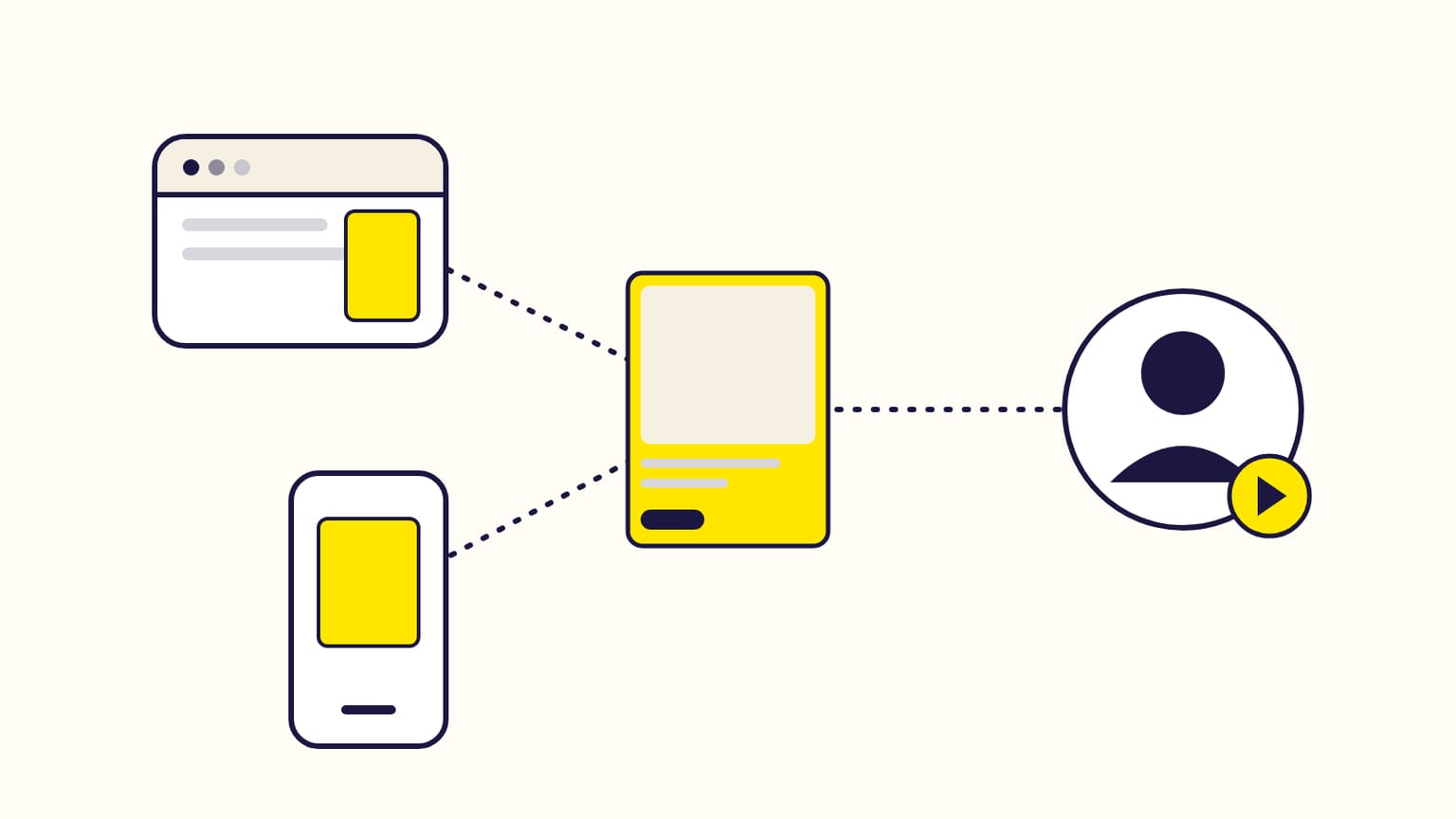
Yes: by default, Sponsored Products ads also run on other sites, apps and creator content in 14 countries, on the same bid and budget. How to turn it off.
Yes. Amazon Sponsored Products campaigns are set to "Amazon and beyond" by default, so your ads can also appear on third-party sites and apps and in creator content, in 14 countries including the US, the UK, Germany and France. They use the campaign's targeting, maximum bid and budget, a click still leads to your Amazon product page, and you can limit any campaign to Amazon in its settings.
Checked against Amazon's help pages in October 2026.
Where your ads go
| Off-Amazon placement | How your ad gets there |
|---|---|
| Third-party sites and apps | Matched by relevance and your bid; the publisher decides which ads it shows |
| Sites and apps with Amazon investment | Amazon may pick your product (price, category trends, reviews) and add its own marketing money |
| Creator content | Creators in the Amazon Influencer and Associates programs choose your product for reviews and buying guides |
Amazon's overview names Pinterest, BuzzFeed and Hearst among its premium publishers in the US. The ad shows as an image, a video or text, to fit the page.
The 14 countries: Brazil, Canada, Egypt, France, Germany, India, Italy, Mexico, Saudi Arabia, Spain, Türkiye, the United Arab Emirates, the United Kingdom and the United States.
What it costs
- The same maximum bid and the same budget. Every off-Amazon click is paid per click and counts toward the campaign's budget; the cost never exceeds your maximum bid.
- Placement adjustments do not apply off Amazon (top of search, rest of search, product pages). Dynamic and rule-based bidding still do.
- Creators earn part of the click: Amazon sets the cost from your maximum bid, the product's expected performance and the sales the ad brings.
Where to see the results
Only in the placement report for Sponsored Products (Campaign manager → Measuring and reporting): it is the only report with off-Amazon figures, sales included. The campaign manager does not show them.
How to turn it off
- One campaign: Campaigns → your campaign → Campaign settings → "Adjust reach on and off Amazon" → Limit reach to Amazon. You can switch back at any time.
- Many campaigns: the "Off-Amazon ad serving" column of a bulksheet.
- Only some sites, apps or creators: add them to your deny list. It applies to all your Sponsored Products and Display campaigns.
A campaign created for Amazon Business only never runs off Amazon.
Should you keep it on?
Amazon warns that limiting reach to Amazon may reduce impressions and sales. Let the placement report decide: if off-Amazon clicks cost money without sales for a few weeks, limit that campaign to Amazon.
Sources
- Understand Sponsored Products off-Amazon advertising, Amazon Ads
- Understand Sponsored Products (Amazon and beyond, creators), Amazon Ads
- Placement report for Sponsored Products, Amazon Ads
- Manage deny lists, Amazon Ads
- Manage sponsored ads campaigns with bulksheets, Amazon Ads
- Sites selection for Sponsored Ads campaigns, Amazon Ads
Gloriads is an Amazon Ads automation platform that creates, monitors and optimizes Sponsored Products campaigns for sellers, brands, authors and agencies, by rules you control. See how it works.