
How do you advertise on Prime Video? A step-by-step guide
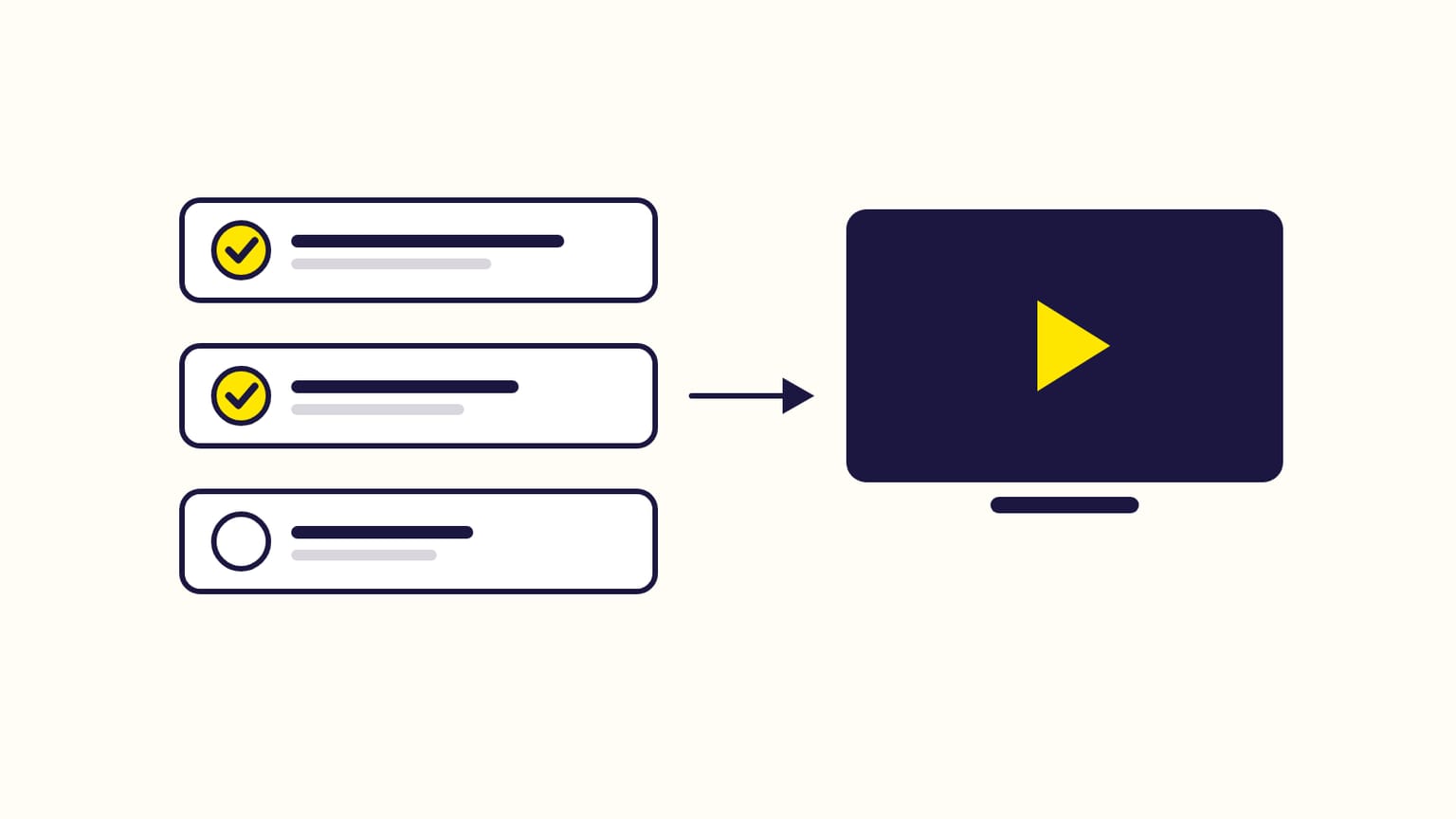
Create an Amazon Streaming TV campaign in the Amazon Ads console: budget, video, CPM bid, audiences, review. Or buy Prime Video through Amazon DSP.
To advertise on Prime Video, create an Amazon Streaming TV campaign (formerly Sponsored TV) in the Amazon Ads console: set a daily budget, add a video, set a maximum price per 1,000 impressions, choose audiences and locations, then submit it for review. Your ad then runs on Prime Video and other streaming services. The other route is a Prime Video campaign in Amazon DSP, Amazon's programmatic platform.
Written from Amazon's help pages, checked in October 2026.
Which route is yours?
| Streaming TV | Amazon DSP | |
|---|---|---|
| Where | Prime Video, Twitch and more | Prime Video alone, or more |
| How | Self-service | Auction, deals or managed |
| Minimum | None | $50,000 if managed |
Most brands that sell on Amazon start with Streaming TV. The two compared.
Check you can use it
- A seller registered as the brand owner in Brand Registry, a vendor, or a book vendor in the US (the rules for authors).
- An account in good standing, a valid payment method, and the ability to ship to the country you advertise in.
- Not a health and personal care advertiser, and no adult, used or refurbished products.
- A country where it is offered: the US, Canada, Mexico, Brazil or the UK.
A US business that does not sell on Amazon can register too: choose "Products and services not sold on Amazon" when creating its Amazon Ads account.
Create the campaign, step by step
- Create campaign → Streaming TV in the Amazon Ads console.
- Name it (128 characters at most, no
! # % & ;). Amazon's guide suggests starting the name with "STV", to leave it out when you read your ROAS. - Set the dates, or "No end date" unless the campaign is seasonal.
- Set a daily budget. Amazon suggests $150 to $250 a day for new advertisers.
- Choose the landing page: your Brand Store, or a product page. A product must be in stock, rated 4 stars or more, with a good or A+ product page. One campaign per product (ASIN).
- Add the video: upload it, generate one with AI, or ask Amazon's creative services. The video specs.
- Set the maximum average CPM of the ad group: the most you pay for 1,000 impressions (what to bid).
- Choose audiences: "Dynamic" lets Amazon's AI target and adjust; "Manual" lets you pick shoppers of a category, or interests and lifestyles. Amazon's guide suggests 3 to 5 audiences, 20 at most per ad group.
- Choose locations: states, cities, ZIP codes, TV markets (DMA), or a radius around an address. Several areas give enough reach.
- Submit for review.
After you submit
- Review: usually within 24 hours, up to 3 business days. Amazon emails the result.
- First figures: up to 12 hours after launch.
- Judge after 14 days: Amazon credits branded searches, product page views and new-to-brand orders up to 14 days after a view or a click.
Frequently asked questions
Can I choose to appear only on Prime Video?
Not with Streaming TV: Amazon's set-up has no step to pick a service. Amazon DSP has a dedicated Prime Video campaign.
Why was my Streaming TV ad rejected?
The most common causes in Amazon's rules: no brand logo, a price in the video, a "Shop now" call to action, a format other than 16:9, a bitrate under 4 Mbps, or effects that look like a broken stream.
Sources
- Create a Streaming TV campaign, Amazon Ads
- Streaming TV eligibility requirements, Amazon Ads
- Streaming TV moderation, Amazon Ads
- Create a Prime Video campaign (Amazon DSP), Amazon Ads
- How to launch and optimize your streaming TV campaign, Amazon Ads
- How any business can get started with streaming TV ads, Amazon Ads
- Streaming TV ads (product page), Amazon Ads
Gloriads is an Amazon Ads automation platform that creates, monitors and optimizes Sponsored Products campaigns for sellers, brands, authors and agencies, by rules you control. See how it works.