

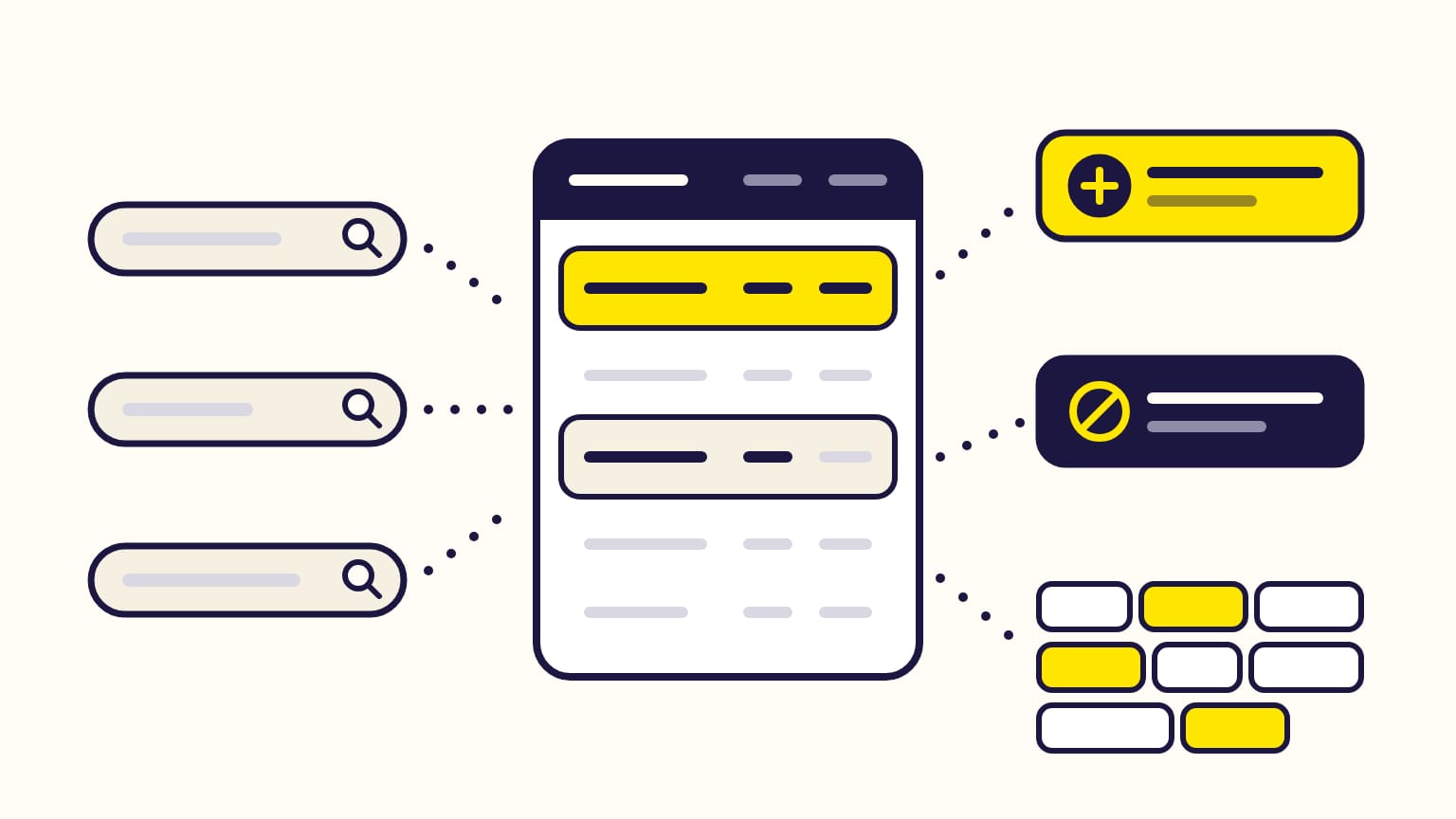
The Amazon search term report lists the searches shoppers made before clicking your Sponsored Products or Sponsored Brands ads, with what each one cost and sold. Only searches with at least one ad click appear. You read it to make three decisions: add the searches that sell as exact keywords, negate the searches that spend without selling, and spot the words that keep losing money across many searches.
Gloriads reads that report for you: its Search terms view keeps up to six years of searches, splits them into single words and pairs, and turns a waste into a negative in two clicks. See it in the live demo.
For sellers, vendors, KDP authors and agencies. Checked against Amazon's help pages in October 2026.
Want the searches and their words added up for you? Open the Search terms page in the live Gloriads demo, no sign-up.
The search term report at a glance
| Question | Answer |
|---|---|
| Which ad types? | Sponsored Products and Sponsored Brands only |
| Which searches? | Those with at least 1 ad click |
| Sales counted | 7 days after the click (SP sellers), 14 days (everyone else) |
| History | 65 days in the old report; up to 6 years in unified reporting |
| Where? | An ad group's Search terms page, and Reporting |
Display has no search term report. Its closest report, matched target, lists the product pages (ASINs) where the ad appeared and got at least one click. Streaming TV has no search term report either.
What does the search term report show?
One row per search, per keyword or target that matched it, in a summary or day by day. The columns that matter:
| Column | What it tells you |
|---|---|
| Customer search term | What the shopper typed, or an ASIN |
| Targeting | Your keyword or target that matched it |
| Match type | Broad, phrase or exact |
| Impressions, clicks, CTR | How often it showed and got clicked |
| Cost, CPC | What it spent, per click |
| Purchases, sales, units | The orders it brought |
| Purchase rate | Purchases divided by clicks |
| ROAS | Sales divided by cost |
Three things surprise most readers:
- An ASIN in the search column (such as "b00ipgvvz4") means the ad showed on that product's page, not on a search. It only appears for Sponsored Products automatic campaigns and product-targeted ad groups, and for Sponsored Brands product targeting.
- Some searches were never typed. Outside search, such as off-Amazon placements, Amazon infers the search that best matches your product.
- Impressions are lower than in campaign manager, because searches that got no click are left out.
There is no ACOS column: ACOS is cost divided by sales, the inverse of ROAS (a ROAS of 4 is an ACOS of 25%). Convert ACOS and ROAS.
Sales are counted on the day of the click, within a lookback window: 7 days for Sponsored Products sellers, 14 days for vendors and authors, 14 days for Sponsored Brands. A sale can take up to 12 hours to appear, and a day's figures stay incomplete until its window has ended.
Where do you find the search term report?
- In campaign manager: open a campaign's ad group, then its Search terms section.
- In the old reports page: Sponsored ads reports, report type Search term. It closes on December 31, 2026: from December 17 nothing new can be created there, and at the shutdown its saved reports, schedules and history are deleted.
- In unified reporting, its replacement: Reporting in the console's left menu, then Create report with template, then Search term. It can mix several accounts and marketplaces in one report.
Amazon's migration tool moves your scheduled reports to unified reporting before the old reports pages close on December 31, 2026. One gap: unified reporting does not yet give search terms for legacy Sponsored Brands campaigns (those without ad groups); Amazon plans it for later in 2026.
How far back does the search term report go?
65 days in the old search term report. Amazon advises downloading and saving your reports monthly to keep the history.
Unified reporting keeps far more: up to 24 months by day or week, and up to 6 years by month, year or for a whole date range. One pull broken down by day covers 120 days at most.
How do you read it? Three decisions
1. Add the searches that sell as exact keywords
A search with sales at a cost you accept deserves its own keyword, in exact match, with its own bid. Amazon's tip in its help page: find the keywords that generate sales and add them to your campaigns.
When that search came from an automatic campaign, add it there as a negative exact keyword, so the two campaigns stop competing for it. Amazon's Target Promotion does both for an automatic campaign with one product in one ad group, from the ad group's Search terms page: automatic vs manual targeting.
2. Negate the searches that spend without selling
A search with clicks and no sale, or a cost you do not accept, is a negative keyword candidate:
| Negative | What it blocks | Limit |
|---|---|---|
| Exact | That search and its close variants | 10 words |
| Phrase | Every search containing the phrase | 4 words |
| Product | That ASIN's page | — |
Negative keywords take effect within 72 hours, negative products within 96 hours. Start with negative exact when in doubt: a short negative phrase can also block searches that sell. How negative keywords work.
3. Read the words, not only the searches (n-grams)
Most wasted spend is spread over many searches that each cost a little. An n-gram is a piece of a search: one word (1-gram), two words in a row (2-gram) or three (3-gram). Add up every search that contains the same piece, and a pattern appears.
Example, with made-up figures for a water bottle:
| Search | Cost | Sales |
|---|---|---|
| insulated water bottle 32 oz | $14 | $45 |
| water bottle with straw kids | $11 | $0 |
| kids water bottle for school | $9 | $0 |
| stainless steel water bottle | $8 | $30 |
Search by search, no row stands out. Word by word:
| Word or pair | Cost | Sales |
|---|---|---|
| water bottle (4 searches) | $42 | $75 |
| kids (2 searches) | $20 | $0 |
| insulated (1 search) | $14 | $45 |
"kids" cost $20 in two searches and never sold. If your bottle is not made for children, a negative phrase "kids" blocks those two searches and every future one that contains the word. Check first that the word is not part of searches that do sell, and never negate your own brand.
Search terms and n-grams in Gloriads
Gloriads' Search terms page does this adding-up for Sponsored Products and Sponsored Brands, one marketplace at a time:
- Group by: Word cuts every search into words, pairs and triplets, with a Spend without sales column to sort on.
- Add as negative turns a word into a phrase negative and a whole search into an exact negative, in two clicks, with a preview before anything is sent to Amazon.
- Add as keyword does the opposite for a search that sells.
- Periods from the last 30 days to all time, up to 6 years.
- Words of your never negate list, such as your brand, are locked.
Frequently asked questions
Why don't the impressions in the search term report match campaign manager?
The search term report only includes searches that got at least one ad click. Impressions of searches that were never clicked are left out, so its total is lower than campaign manager's.
Does Sponsored Display have a search term report?
No. Amazon gives search term reports for Sponsored Products and Sponsored Brands only. Display's closest report, matched target, lists the product pages (ASINs) where the ad appeared and got at least one click.
Can KDP authors get the Amazon search term report?
Yes. Amazon's Sponsored Products help page lists sellers, vendors, authors and book vendors. For authors, sales are counted 14 days after the click.
Is the Amazon search term report going away on December 31, 2026?
No. The old sponsored ads reports page closes on December 31, 2026, with its saved reports and history. The search term report lives on as the "Search term" template of unified reporting, under Reporting in the Amazon Ads console.
Why is there an ASIN in the customer search term column?
An ASIN in the customer search term column means your ad showed on that product's page, not on a search. You can bid on that ASIN in a manual campaign, or block it with a negative product target.
Sources
9
- Search term report for Sponsored Products, Amazon Ads
- Search term report for Sponsored Brands, Amazon Ads
- Downloadable reports in sponsored ads, Amazon Ads
- Understand unified reporting, Amazon Ads
- Create a report in unified reporting, Amazon Ads
- Data availability in unified reporting, Amazon Ads
- Migrate your scheduled reports to unified reporting, Amazon Ads
- Ad campaign attribution, Amazon Ads
- Add negative keywords or negative products targeting, Amazon Ads