

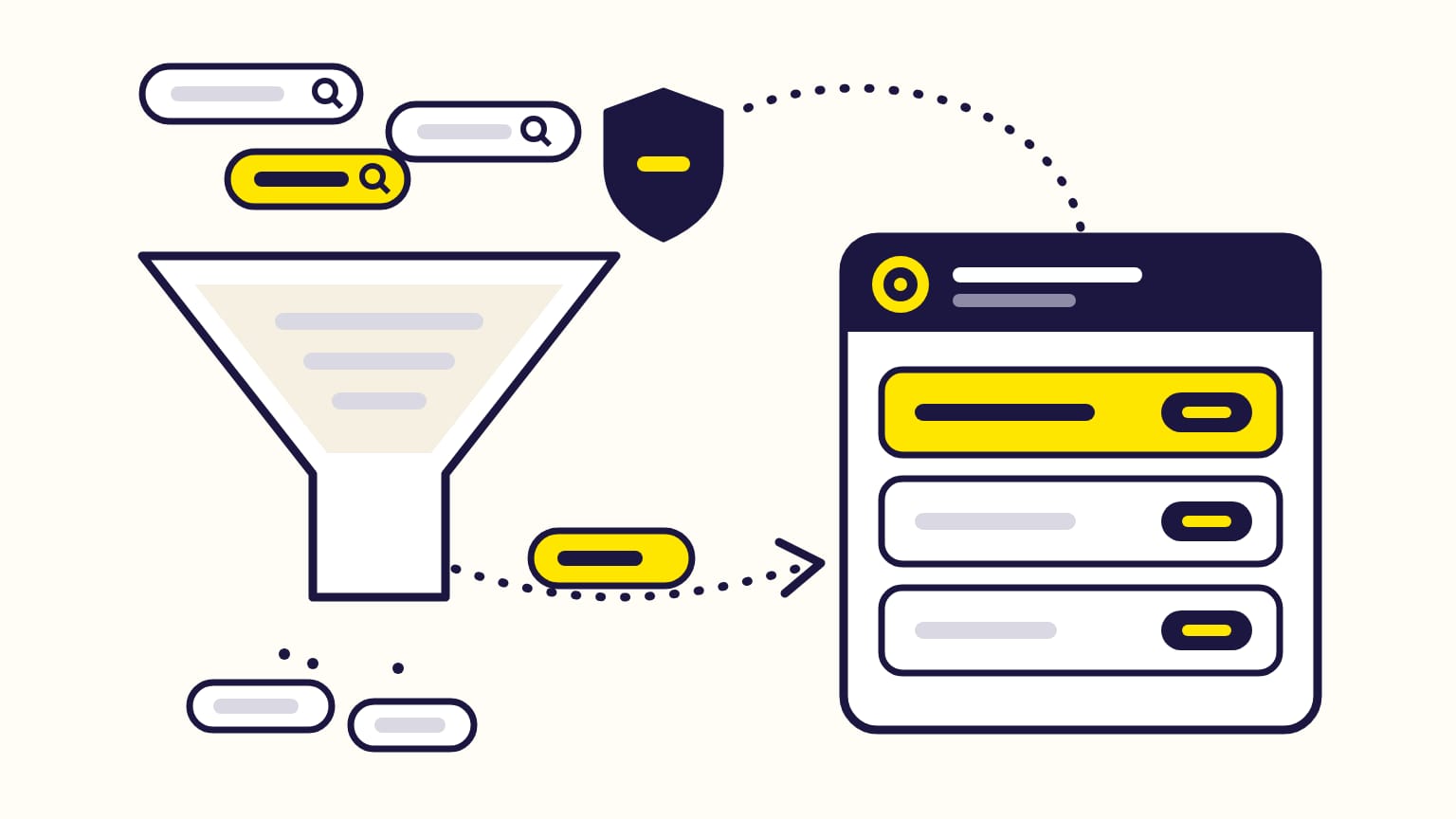
Structure Amazon PPC campaigns in layers, per product: one automatic Sponsored Products campaign to discover the searches that sell, manual keyword campaigns by match type to scale them, and product targeting to show on other products' pages. Each search that sells moves to exact match with its own bid, and becomes a negative exact keyword in the campaign it came from, so your campaigns stop overlapping. Portfolios then group the campaigns by brand, category or season and cap their spend.
For sellers, vendors and KDP authors starting or cleaning up Sponsored Products. Checked against Amazon's help pages in October 2026; where a step is a common practice rather than Amazon's advice, it says so.
Want to see this structure on a real account? Open the live Gloriads demo: campaigns, search terms and rules, no sign-up.
Jump to:
- The structure at a glance
- Moving searches that sell to exact match
- Brand, generic and competitor searches
- How many products per ad group
- Portfolios and budgets
- When to add Sponsored Brands and Display
The structure at a glance
| Campaign | What it targets | Its job |
|---|---|---|
| Automatic | Amazon picks searches and pages | Discover what sells |
| Manual broad and phrase | Your keywords | Widen proven themes |
| Manual exact | Searches that sold | Scale them, one bid each |
| Product targeting | ASINs, categories, brands | Show on other product pages |
| Brand | Your brand's searches | Keep your own shoppers |
The first four are Amazon's own building blocks. Splitting them into separate campaigns, one per match type, is a common practice among advertisers, not an Amazon rule: it lets you set a budget and read the results for each layer.
Step 1: one automatic campaign to discover searches
Amazon recommends automatic targeting for your first Sponsored Products campaign. Amazon matches your ad to searches and product pages from your listing, in four targeting groups (close match, loose match, substitutes, complements), each with its own bid if you want.
Amazon also calls it "a source of keyword discovery for your manual campaigns" for seasoned advertisers. Two rules from Amazon's help:
- One automatic campaign per product at a time. Amazon does not recommend running several campaigns for the same ASIN with the same targeting strategy. An automatic and a manual campaign for the same product is fine.
- Let it run. Amazon suggests at least 14 days before optimizing, because a sale can take 7 to 14 days to be attributed to a click.
Automatic vs manual targeting, compared.
Step 2: manual campaigns by match type
Manual campaigns target keywords you choose, each with a match type: broad, phrase or exact.
- Start broad. Amazon recommends broad match for a first manual campaign, and at least 25 keywords per ad group.
- One bid per match type. If you add the same keyword in several match types, Amazon advises a different bid for each. When several of them match a search, Amazon uses the one with the highest bid.
- Add complements. Amazon's example: "digital camera" as a keyword for memory cards.
- Exact for what sells. Amazon's tip: find the keywords with the best sales in the search term report, raise their bid, and add them in exact match.
Step 3: move searches that sell, and negate them where they came from
This is the loop that makes the structure work, a common practice Amazon calls "target harvesting".
- Read the search term report of the automatic and broad campaigns: it lists every search that got at least one click, with its sales.
- Pick the searches that sell. Example: "organic cotton sheets queen" got 40 clicks at $0.90 ($36 spent) and 4 orders of $45 ($180 in sales): an ACOS of 36 / 180 = 20%.
- Add each one as an exact keyword in the exact campaign, with its own bid.
- Add it as a negative exact keyword in the campaign it came from, so that campaign stops paying for it. Amazon takes up to 72 hours to apply a negative keyword.
Amazon's own Target Promotion does steps 3 and 4 from the Search terms page, but only for an automatic campaign that advertises a single ASIN in one ad group, and the negative it adds is always negative exact. How negative keywords work.
In Gloriads, a rule template runs the whole loop on the campaigns you choose: "Harvest search terms that sell" adds the search to the exact campaign of its product and excludes it where it came from. The Products page lists the searches that several campaigns of one product still share, and fixes them after a preview.
Step 4: product targeting for other products' pages
Product targeting shows your ad on chosen product pages and categories: specific ASINs, or categories refined by brand, price, star rating and Prime delivery (genre for books). You pick keyword or product targeting when you create a manual campaign.
- Competitors and similar products. Amazon's example: an ad for a "Brand A" women's shoe can target the "women's running shoes" category, or "Brand B", a similar brand.
- Expanded targeting is on by default: Amazon adds closely related products every day, shown as "Product-expanded" in reports.
- New marketplaces. Amazon recommends product targeting when you launch abroad and do not want to rely on translated keywords.
Brand, generic and competitor searches
Most advertisers keep three kinds of search apart, in separate campaigns or ad groups: their brand (brand and product names), generic searches (the product category) and competitor brands. That split is a common practice; Amazon's help names the same three kinds:
| Kind | Example for a dog shampoo | Amazon's advice |
|---|---|---|
| Brand | "Brand A dog shampoo" | Use branded terms |
| Generic | "yorkie shampoo" | Specific terms can convert better |
| Competitor | "Brand B dog shampoo" | Target brands shoppers also consider |
Amazon goes further for best sellers: in their campaigns, target category and competitor keywords, and add your brand keywords as negatives "so you don't duplicate efforts with organic search results". Products that rank lower get the brand keywords instead.
A negative on your own brand is easy to add by mistake, by hand or by a rule. Gloriads' never-negate lists hold your brand and your ASINs, and no negative from Gloriads ever blocks them.
How many products per ad group?
Amazon's advice: closely related products, from the same category, in one ad group. For a manual campaign, Amazon even suggests adding as many similar products as you can, because they share the ad group's keywords and bids.
Many advertisers do the opposite and put one product per ad group, or one per campaign, to read and bid each product on its own. That is a common practice, not an Amazon rule. One Amazon tool needs it: Target Promotion works only when the automatic campaign advertises a single ASIN in one ad group.
A sound middle ground: one product, or a small group of variants that sell to the same searches, per ad group.
Portfolios, budgets and names
- Portfolios group campaigns by brand, product category or season. They add a budget cap (monthly or for a date range): once reached, every campaign in the portfolio stops.
- Shared leftovers. A portfolio can pass the budget a campaign did not spend on earlier days of the month to its campaigns that ran out, so one can spend up to 100% more than its average daily budget on a busy day. It covers Sponsored Products, Sponsored Brands and Display.
- Monthly ceiling. A Sponsored Products campaign never spends more than its daily budget × the days in the month. Amazon's example: campaigns at $10, $15 and $20 a day spend at most ($10 + $15 + $20) × 31 = $1,395 in a 31-day month.
- Start budget. Amazon notes many advertisers start at $30 a day per campaign.
- Names. Amazon suggests a name that says what the campaign is, like "Sponsored Products | Prime Day | Barbecue grills". Shoppers never see it.
Bids then follow your bidding strategy: Amazon suggests down only for new advertisers and tight budgets.
When should you add Sponsored Brands and Display?
Amazon's order: Sponsored Products first, then Sponsored Brands "once your Sponsored Products campaigns are running efficiently", then Display to reach beyond keywords.
| Ad type | Add it to | Who can run it |
|---|---|---|
| Sponsored Brands | Your logo and several products, atop search | Sellers in Brand Registry, vendors, authors |
| Display | Retarget viewers of your products, on and off Amazon | Sellers in Brand Registry, vendors, authors |
Sponsored Brands targets keywords and products like Sponsored Products, so the same brand, generic and competitor split applies. Sponsored Brands vs Sponsored Products and what Display is.
Frequently asked questions
Do my own Amazon campaigns bid against each other?
No. Amazon states that campaigns within a single account do not bid against each other in its auctions. Overlapping campaigns still cost you control: when several of your keywords match one search, you no longer choose which bid pays, and the search's results are split across campaigns.
Should every product have its own Amazon PPC campaign?
No, Amazon does not require it. Amazon advises grouping closely related products in one ad group. One automatic campaign per product is a common practice, and it is required for Amazon's Target Promotion tool.
How long before changing a new Amazon PPC campaign?
About two weeks. Amazon suggests at least 14 days of data before optimizing and before adding negatives to a first campaign, because a sale can take 7 to 14 days to be attributed to a click.
Can I switch an Amazon campaign from automatic to manual targeting?
No. A Sponsored Products campaign keeps its targeting type for good, even when you copy it. To change, create a new manual campaign.
Is this Amazon PPC structure different for KDP authors?
No, the layers are the same for books: an automatic campaign, manual keyword campaigns, and product targeting on other books, refined by genre. Authors can also run Sponsored Brands once they have at least 3 books under one pen name.
Sources
17
- Understand targeting, Amazon Ads
- Sponsored Products set-up, Amazon Ads
- Optimize your campaign, Amazon Ads
- Set up keyword targeting, Amazon Ads
- Understand keyword match types, Amazon Ads
- Set up product targeting, Amazon Ads
- Target Promotion for Sponsored Products, Amazon Ads
- Add negative keywords or negative products targeting, Amazon Ads
- Understand ad groups, Amazon Ads
- Search term report for Sponsored Products, Amazon Ads
- Bidding strategies for Sponsored Products, Amazon Ads
- Understand portfolios, Amazon Ads
- Portfolio budgets, Amazon Ads
- Unspent campaign budget in portfolios, Amazon Ads
- Create multi ad product campaigns, Amazon Ads
- Understand Full-Funnel Campaigns, Amazon Ads
- Copy a campaign, Amazon Ads
Gloriads is an Amazon Ads automation platform that creates, monitors and optimizes Sponsored Products, Sponsored Brands, Sponsored Display and Streaming TV campaigns for sellers, brands, authors and agencies, by rules you control. See how it works.