

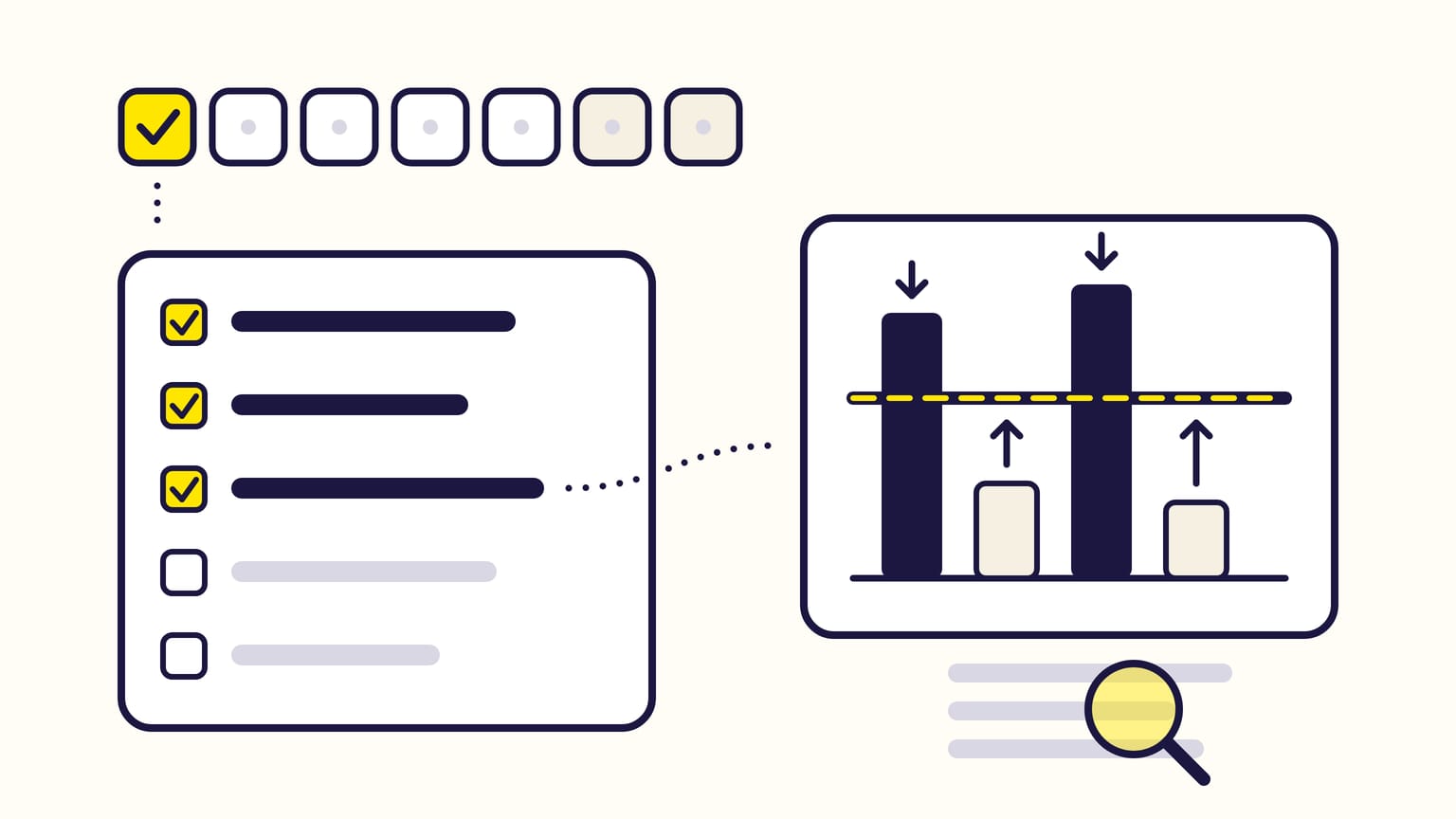
To optimize Amazon PPC, run the same eight steps once a week, on days whose sales are complete: turn search terms into negative and exact keywords, move each bid toward your target ACOS, then fix the campaigns out of budget, the placements, the hours of the day and the products running out of stock. Last, check that your own brand was never negated. Your target ACOS starts from your break-even ACOS, which is your margin before ads.
Gloriads can run most of this routine for you: each step below has a ready-made rule, tested on your account before it runs, with every change explained and undoable. See the templates in the live demo.
For sellers, vendors, KDP authors and agencies. Checked against Amazon's help pages in November 2026.
Want most of these steps run every day by rules you control? Open the Rules page in the live Gloriads demo, no sign-up.
The weekly routine at a glance
| Step | What you do |
|---|---|
| 1. Pick the days | 30 days that end one attribution window ago |
| 2. Search terms | Negate what spends without selling, add what sells as exact |
| 3. Bids | Move each one toward your target ACOS |
| 4. Budgets | Raise the ones that run out while ACOS holds |
| 5. Placements | Bid more where ACOS is lowest |
| 6. Hours | Cut the hours that spend without selling |
| 7. Stock | Pause Sponsored Brands ads whose products run out |
| 8. Brand | Remove any negative that blocks your own brand |
Before you start: your break-even and target ACOS
ACOS is ad spend divided by ad sales. Your break-even ACOS is the profit one sale leaves before ads, divided by its price: above it, each ad sale loses money.
Example: a $25 product that costs you $10, with $7.50 of Amazon fees, leaves $7.50 before ads. Its break-even ACOS is $7.50 ÷ $25 = 30%.
Your target ACOS is the one you aim for. Below break-even, you keep a profit: at a 20% target, each $25 ad sale costs $5 of ads and keeps $2.50. Above it, you buy sales at a loss, a choice some make for a launch. Break-even ACOS calculator.
Step 1: read days whose sales are complete
Amazon credits a sale to the day of the click, not the day of the purchase, within a window that depends on the ad type:
| Ad type | Window | Counts |
|---|---|---|
| Sponsored Products, sellers | 7 days | Clicks only |
| Sponsored Products, vendors and authors | 14 days | Clicks only |
| Sponsored Brands, Display | 14 days | Clicks, and views on vCPM |
| Streaming TV | 14 days | Clicks, QR scans and views |
A sale can take up to 12 hours to appear, and Amazon warns that a day's figures stay incomplete until its window has ended. Judged too early, a keyword looks worse than it is: its spend is all there, its sales are not.
- Look at: the 30 days that end 7 days ago (Sponsored Products, sellers) or 14 days ago (everything else).
- Leave alone: campaigns younger than two weeks. Amazon itself advises waiting at least two weeks of data before setting a ROAS goal for its rule-based bidding.
Step 2: turn search terms into negatives and exact keywords
- Look at: the search term report (Sponsored Products and Sponsored Brands). It lists the searches that got at least one click, with their cost and sales.
- Negate when: a search has at least 2 ÷ your conversion rate clicks and no order. At a 10% conversion rate (one order every 10 clicks), that is 20 clicks with no sale. Add it as a negative exact keyword; use a negative phrase for a word that keeps losing across many searches. Negative keywords take effect within 72 hours.
- Add when: a search has 2 orders or more at an ACOS at or under your target. Add it as an exact keyword with its own bid, and add it as a negative exact where it came from, so the two campaigns stop competing for it.
How to read the report, n-grams included: the Amazon search term report. Choosing between negative exact and phrase: negative keywords.
Step 3: move each bid toward your target ACOS
A click is worth its sales per click multiplied by your target ACOS. That is the bid that hits your target:
Bid = (sales ÷ clicks) × target ACOS
Two keywords over the same 30 days, with a 30% target:
| Figure | Keyword A | Keyword B |
|---|---|---|
| Clicks | 60 | 40 |
| Spend | $72 | $20 |
| Sales | $100 | $125 |
| ACOS | 72% | 16% |
| Sales per click | $1.67 | $3.13 |
| Bid at 30% | $0.50 | $0.94 |
- Keyword A pays $1.20 a click for $1.67 of sales: lower its bid toward $0.50. Amazon's own advice: "Never bid more than you're willing to pay for a click."
- Keyword B pays $0.50 a click for $3.13 of sales: raise its bid toward $0.94 to win more clicks at a profit.
Act only on keywords with 2 orders or more; with fewer, one sale more or less changes everything. A keyword with 2 ÷ your conversion rate clicks and no order gets a lower bid or a pause. Move in steps of 10% to 30% a week rather than all at once: a new bid changes your position, and so your cost per click.
Your bidding strategy then works on top of this base bid: "down only" can lower it by up to 100% when a sale looks unlikely, "up and down" can also raise it by up to 100%. Which bidding strategy to choose. The target CPC calculator does the arithmetic.
Step 4: fix the campaigns out of budget
- Look at: the campaigns marked "Out of budget", and Amazon's budget report (Sponsored Products, sellers and vendors): average time in budget, estimated missed sales and a recommended budget.
- Raise the budget when: the campaign's ACOS is at or under your target. That is Amazon's own tip: high-performing campaigns with less than 100% time in budget and estimated missed sales.
- Fix bids first when: its ACOS is above target. More budget only buys more of the same clicks.
A daily budget is an average over the month: Amazon can spend up to 100% more on a busy day, without the month going over budget × days. Once a day's budget is spent, the campaign stops until the next day, and nothing paces it through the day.
Step 5: shift bids between placements
- Look at: the placement report, or the campaign's Bid adjustments tab. It splits each Sponsored Products campaign into top of search (the first 5 positions of the top row on a computer, 4 on mobile), rest of search and product pages.
- Raise an adjustment when: a placement's ACOS is under your target with orders. Raise it in steps of 10 to 25 points.
- To spend less on a placement, lower the base bid and raise the placements that sell: an adjustment only adds.
Adjustments multiply your bid: $1 with +50% on top of search bids $1.50 there, and "up and down" can take it to $3. Sponsored Brands adjusts only top of search and rest of search.
Step 6: cut the hours that spend without selling
- Look at: Amazon's campaign report with the time unit Hourly: 14 days at a time, within the last 30 days.
- Act when: an hour's ACOS is above twice your target, with at least 20 clicks over the period.
- What Amazon offers: schedule bid rules raise Sponsored Products bids at the hours you choose, and budget rules raise a budget at set hours. Both only raise. To lower bids or pause campaigns at the hours that lose money, you do it by hand at those hours, or with a dayparting tool.
Step 7: watch products running out of stock
Sponsored Products and Display ads stop by themselves when their product is out of stock or loses the featured offer (the Buy Box). A Sponsored Brands ad with several products keeps running while the others can be bought, and keeps spending on a weaker ad.
- Look at: the stock of your advertised products, and the Sponsored Brands ads that feature each one.
- Act when: a product will run out within days. Pause or edit the Sponsored Brands ads that feature it, and keep at least 3 products in stock in each multi-product ad.
In detail: do Amazon ads stop when out of stock?
Step 8: check that your brand was never negated
A search for your own brand can have a bad week. A quick cleanup in step 2, or a rule, then negates it, and your ad stops showing to the people who type your name. Nothing warns you.
- Look at: the negatives added this week.
- Remove: any negative that contains your brand, your product names, your author name or one of your own ASINs.
- Keep a list of the terms and ASINs never to negate, and check new negatives against it.
What a rule can do by itself every day
Most of these steps repeat the same checks every week. In Gloriads, rules run them on a schedule, from every hour to every 3 months, when the conditions you set are met. Dayparting covers the hours, and the never-negate lists your brand:
| Step | What Gloriads does |
|---|---|
| Search terms | Templates negate searches that waste money and add the ones that sell as keywords |
| Bids | "Set bid from target ACOS": sales per click × target ACOS, the arithmetic of step 3 |
| Budgets | Raise the budget of campaigns that run out while ACOS holds, or alert you |
| Placements | Raise the top-of-search adjustment when its ACOS is low |
| Hours | Dayparting: a grid of 7 days × 24 hours that pauses campaigns or sets bids from 10% to 900% |
| Brand | Never-negate lists: no negative on your brand or ASINs is ever sent |
- Guardrails: every increase needs a ceiling, a rule waits 72 hours by default before changing the same item again, and Test now shows what a rule would change on your real figures before you turn it on.
- New campaigns can be left alone for their first days (7 by default), and your own changes are left alone for 7 days.
- Dayparting shows each hour's figures and suggests pausing the hours whose ACOS is above twice your target, with at least 20 clicks over 30 days.
- Your brand and ASINs go on the never-negate lists when you connect Amazon Ads.
Rules read complete days ending yesterday by default: give them periods of 14 or 30 days, so the last days, still incomplete, weigh little. What a rule never does is choose your target ACOS or your strategy: that stays your call.
Frequently asked questions
How often should you optimize Amazon PPC?
Once a week is enough for bids and search terms on most accounts. A sale can take 7 to 14 days to be credited to its click, so bids changed every day are judged on days whose sales are not complete yet. Budgets and stock deserve a daily look.
What is a good ACOS on Amazon?
A good ACOS on Amazon is one below your break-even ACOS, your margin before ads. There is no single figure: a 30% ACOS is profitable on a product with a 40% margin and loses money on one with a 25% margin.
How long should a new Amazon PPC campaign run before you optimize it?
At least two weeks. A sale can take up to 14 days to be credited, and Amazon advises waiting at least two weeks of data before setting a ROAS goal for its rule-based bidding.
Sources
12
- Ad campaign attribution, Amazon Ads
- Search term report for Sponsored Products, Amazon Ads
- Add negative keywords or negative products targeting, Amazon Ads
- Understand bidding on Sponsored ads, Amazon Ads
- Bidding strategies for Sponsored Products, Amazon Ads
- Bidding rules for Sponsored Products, Amazon Ads
- Understand bid adjustments in Sponsored ads, Amazon Ads
- Placement report for Sponsored Products, Amazon Ads
- Understand budgets in Sponsored ads, Amazon Ads
- Budget report for Sponsored Products, Amazon Ads
- Understand budget rules in Sponsored ads, Amazon Ads
- Campaign report for Sponsored Products, Amazon Ads