

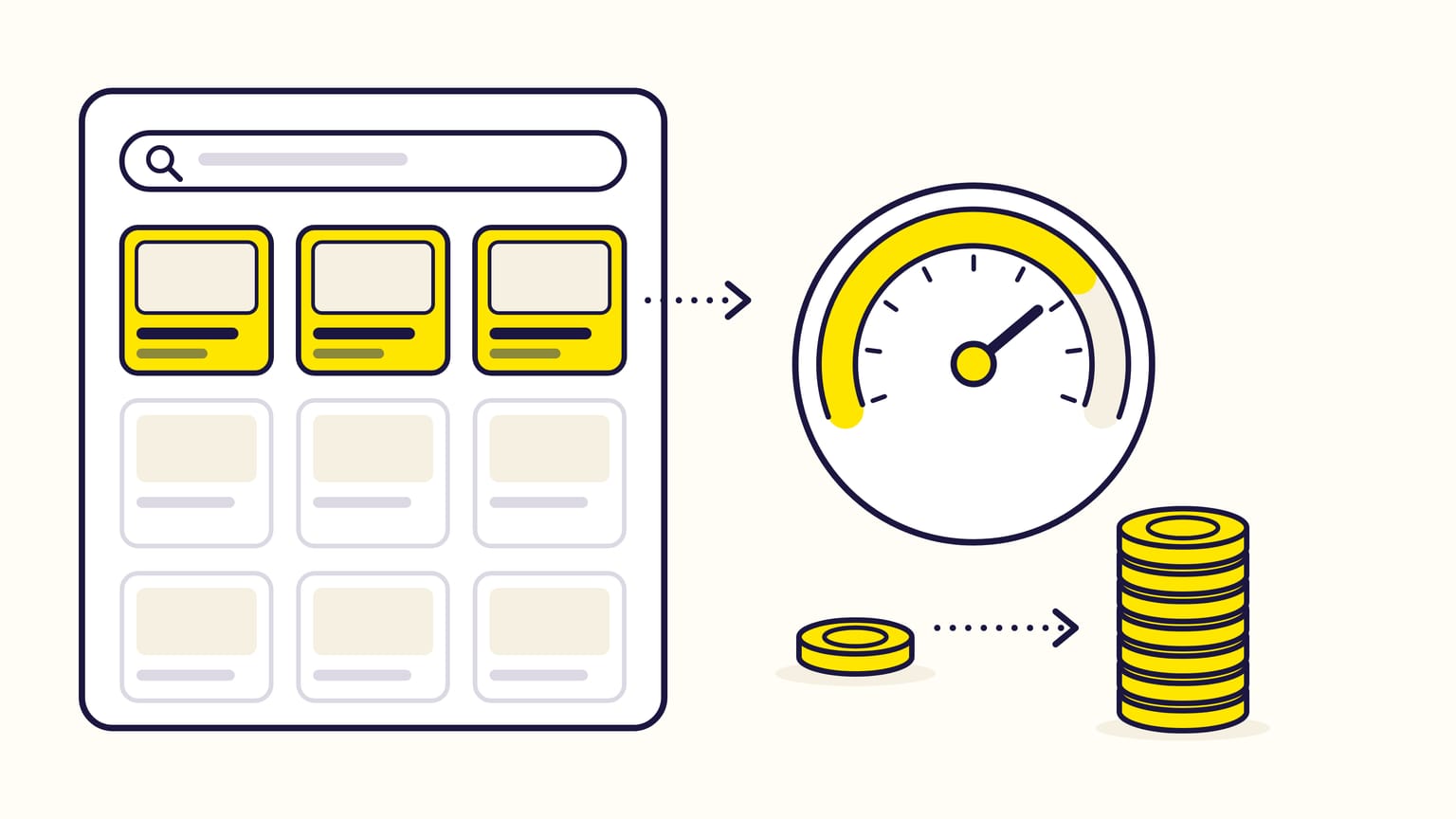
Amazon placement bid adjustments raise a Sponsored Products bid by a percentage, from 0% to 900%, when the ad can show at the top of search, in the rest of search, on product pages or on Amazon Business. They multiply with the bidding strategy: a $1.00 bid with +50% for top of search becomes $1.50 there, and "dynamic bids – up and down" can take it to $3.00. Sponsored Brands has its own setting, which can also lower bids below the top of search.
Gloriads shows whether a placement pays before you raise it: its « Performance by placement » card gives the spend, sales and ACOS of each placement, for each ad type. See it in the live demo.
For sellers, vendors, KDP authors and agencies. Checked against Amazon's help pages in November 2026.
Steering placements on many campaigns? Gloriads rules raise or lower a top-of-search adjustment from each campaign's own placement figures. Open the live demo, no sign-up.
The Sponsored Products placements
| Placement | Where the ad shows |
|---|---|
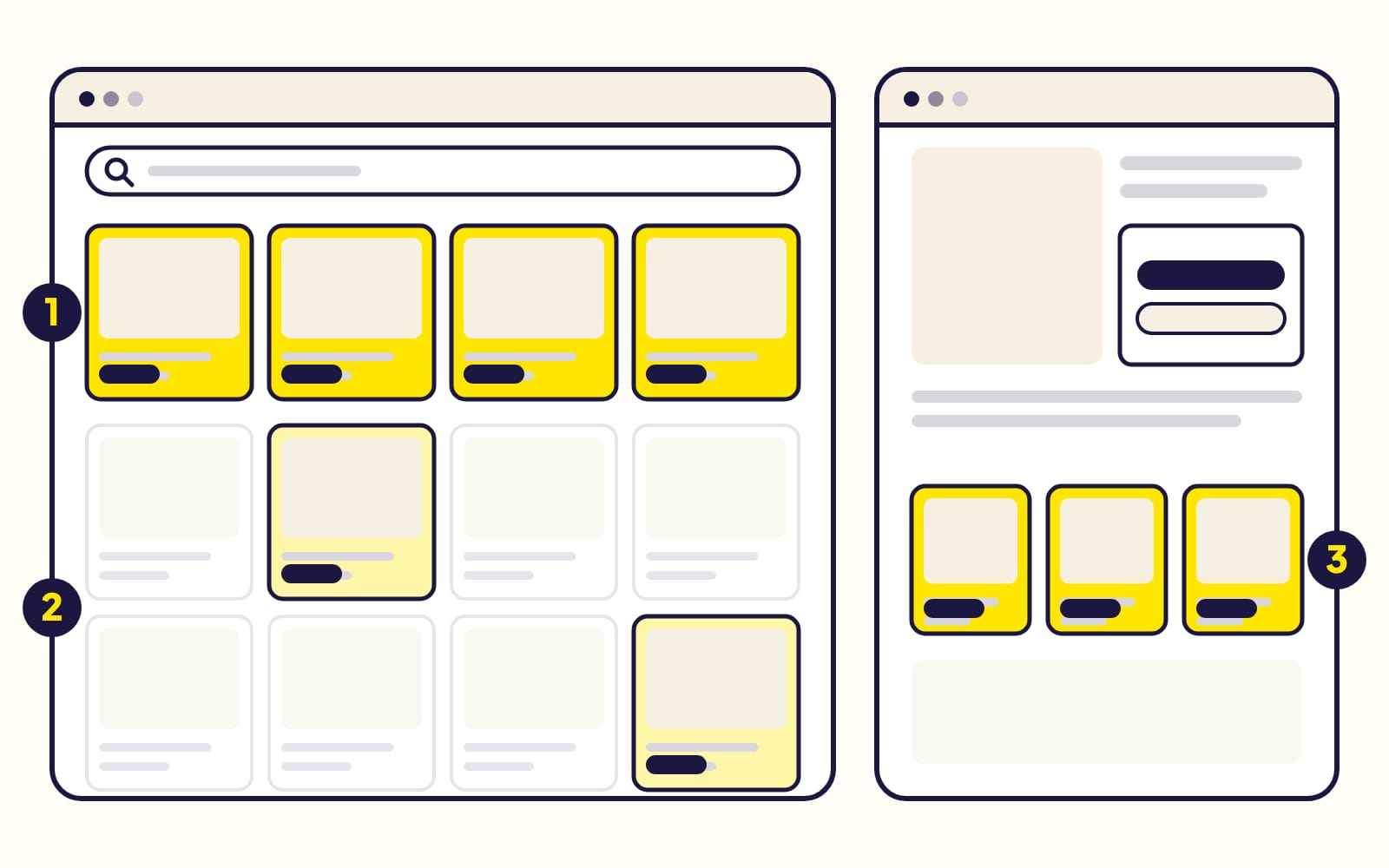
| Top of search | The first row of the first results page: up to 5 ads on a computer, 4 on a phone |
| Rest of search | Lower in the results, and from page 2 on |
| Product pages | Product detail pages, and other pages such as the add-to-cart page |
| Amazon Business | All the placements above, on Amazon's store for businesses |
- The range is 0% to 900%, a whole number, for each placement: 900% is ten times your bid. Sponsored Products adjustments only raise; none goes below 0%.
- They belong to the campaign: every keyword and target in it gets the same adjustments. You set them when you create the campaign, or later in its Bid adjustments tab.
- Amazon Business exists in 10 countries (US, Canada, Mexico, Germany, UK, France, Italy, Spain, Japan, India), and its adjustment comes on top of the others: +50% for top of search and +100% for Amazon Business turn $1.00 into $3.00 at the top of search on Amazon Business. A campaign that runs on Amazon Business only has no Amazon Business adjustment.
- Off Amazon, on other sites and apps and in creators' content, no placement adjustment applies; dynamic and rule-based bidding still do.
- Creator storefronts on Amazon count as on Amazon from November 11, 2026: the placement report puts them in "Other – On Amazon", with the rest of search. Amazon does not say whether the rest-of-search adjustment applies to them. More in Do Amazon Sponsored Products ads show off Amazon?
New to these ads? How Sponsored Products work.
How do adjustments combine with the bidding strategy?
A $1.00 bid with +50% for top of search:
| Strategy | Top of search | Elsewhere |
|---|---|---|
| Fixed | $1.50 | $1.00 |
| Down only | $1.50 or less | $1.00 or less |
| Up and down | Up to $3.00 | Up to $2.00 |
| Rule-based | Up to $7.50 | Up to $5.00 |
- Up and down may raise or lower a bid by up to 100% on every placement, so the highest bid it can reach is bid × (1 + adjustment) × 2. With +900%, a $1.00 bid can become $20.00 at the top of search. Down only vs up and down.
- Rule-based bidding (a ROAS target) can go up to 5 times the adjusted bid.
- Audience adjustments multiply too: $1.00, +50% for top of search, then +60% for an audience, is $2.40.
- Schedule bid rules add their percentage: a $1.00 bid with +10% for top of search and a +20% Monday rule bids $1.30 at the top of search on Mondays, $1.20 elsewhere.
Amazon never charges more than the maximum bid you authorize, and asks you to count these adjustments when you enter a bid. The bid calculator gives the base bid that keeps every placement under your maximum cost per click.
Sponsored Brands placement adjustments
| Setting | Sponsored Products | Sponsored Brands |
|---|---|---|
| Placements | Top of search, rest of search, product pages, Amazon Business | Top of search, other placements |
| Range | 0% to +900% | −99% to +900% |
| Lower a placement | No | Yes, below top of search |
- In the console, Sponsored Brands has one box, Placements other than top of search, with "Increase by" or "Decrease by". Amazon's example: a $1.00 bid with −50% bids $0.50 outside the top of search.
- Amazon's API also takes adjustments for top of search, product pages and the home page, from −99% to +900%.
- Automated bidding, a switch on the campaign, lets Amazon adjust bids below the top of search from their conversion rates.
- With an audience, the two adjustments multiply, up to +900% (10 times the bid): $1.00, +50% for other placements, then +100% for an audience, is $3.00.
- Reports: the campaign placement report and the keyword placement report split figures into "Top of search" and "Other placements", 90 days back.
What Sponsored Brands ads are.
How to set an adjustment from the placement report
The placement report for Sponsored Products (90 days back, summary or daily) splits each campaign's impressions, clicks, CPC, spend, orders and sales by placement. A campaign's Bid adjustments tab shows the same split. It is also the only report with your off-Amazon figures.
Example: a $30 product, a 30% target ACOS, a $0.80 bid with fixed bids and no adjustment, 30 days (600 clicks at the top of search, 300 in the rest of search, 250 on product pages):
| Placement | CPC, conv. | ACOS |
|---|---|---|
| Top of search | $0.95, 14% | 23% |
| Rest of search | $0.60, 5% | 40% |
| Product pages | $0.50, 6% | 28% |
ACOS is CPC ÷ (conversion rate × price). The most a click can cost is price × conversion rate × target ACOS:
| Placement | Max CPC | New setting |
|---|---|---|
| Top of search | $1.26 | +75% |
| Rest of search | $0.45 | Bid $0.60 |
| Product pages | $0.54 | +40% |
- The rest of search pays $0.60 for a click worth $0.45. Sponsored Products cannot lower one placement, so lower the bid itself: $0.80 × ($0.45 ÷ $0.60) = $0.60.
- Raise the others back from $0.60. Top of search can pay a third more than today ($1.26 ÷ $0.95): about $1.06, which is $0.60 + 77%, rounded down to +75%. Product pages: $0.80 × ($0.54 ÷ $0.50) = $0.86, which is $0.60 + 44%, rounded down to +40%.
- Read the report again two weeks later, on days whose sales are complete. The CPC you pay is not your bid, so the result moves less than the ratio.
With "up and down", Amazon may still double each of these bids: halve them if your maximum CPC must hold everywhere.
Common mistakes
- Forgetting the multiplication. +900% with "up and down" can turn a $1.00 bid into $20.00 at the top of search.
- Judging too early. A sale counts up to 7 days after the click for sellers, 14 days for vendors and authors: the last days of a report are not complete. A placement with a few dozen clicks says little.
- Leaving the rest of search unprofitable because it cannot be lowered in Sponsored Products: lower the bid, and raise the placements that sell.
- One adjustment for very different keywords. Adjustments belong to the campaign; a keyword that sells only at the top of search needs a campaign of its own to get its own adjustment. How to structure campaigns.
- Expecting a guarantee. A higher bid does not buy the top of search: Amazon's auction also weighs how relevant the ad is to the shopper.
Placement adjustments in Gloriads
- Create a Sponsored Products campaign with top of search, rest of search and product pages adjustments, plus "Further increase bids on Amazon Business"; the page says what your bid becomes on each placement. Campaign templates keep the three placement adjustments.
- Rules on Sponsored Products campaigns set a placement adjustment (0% to 900%), or raise or lower it by a number of points between a floor and a ceiling you choose. Their conditions can read a campaign's figures on one placement, in Sponsored Products and Sponsored Brands: "IF ACOS over the last 14 days on top of search is less than 20% AND orders on top of search at least 5, THEN raise the top-of-search adjustment by 10 points". How rules work.
- Sponsored Brands: rules read its placement figures, but do not change its placement adjustments yet.
- A campaign copied to another marketplace keeps its top of search, rest of search and product pages adjustments; the Amazon Business one is left out, since not every marketplace has Amazon Business.
Frequently asked questions
What is a good top of search bid adjustment?
There is no single good top of search adjustment. A good one keeps the top of search CPC at or under your maximum CPC (price × conversion rate × target ACOS): +75% in the example above. Amazon advises placement adjustments to advertisers who have seen some placements bring more sales in the past.
Why doesn't a high adjustment win the top of search?
Because a bid is not the only thing Amazon's auction looks at. Amazon says that "ads with lower bid amounts, but higher relevance to the customer, can and do win". The top of search also holds only up to 5 ads on a computer and 4 on a phone, and a campaign out of budget shows no ads until midnight.
Sources
16
- Understand bid adjustments in Sponsored ads, Amazon Ads
- Adjust Sponsored Products bids, Amazon Ads
- Set bids in a Sponsored Products campaign, Amazon Ads
- Bidding strategies for Sponsored Products, Amazon Ads
- Bidding rules for Sponsored Products, Amazon Ads
- Placement report for Sponsored Products, Amazon Ads
- Sites selection for Sponsored Ads campaigns, Amazon Ads
- Understand Sponsored Products off-Amazon advertising, Amazon Ads
- Sponsored Brands bids by placement and audiences, Amazon Ads
- Create a Sponsored Brands campaign, Amazon Ads
- Campaign placement report for Sponsored Brands, Amazon Ads
- Keyword Placement report for Sponsored Brands, Amazon Ads
- Understand Amazon Ads auctions, Amazon Ads
- Ad campaign attribution, Amazon Ads
- Sponsored Products API reference (placement adjustments, 0 to 900), Amazon Ads API
- Sponsored Brands API reference (placement adjustments, −99 to 900), Amazon Ads API