
Create a campaign
Create a Sponsored Products, Sponsored Brands, Display or Streaming TV campaign, video ads included, checked before anything reaches Amazon.
Click Create campaign at the top of the sidebar. You fill in one page, see exactly what will be created, and nothing reaches Amazon until you approve it.
Choose the campaign type
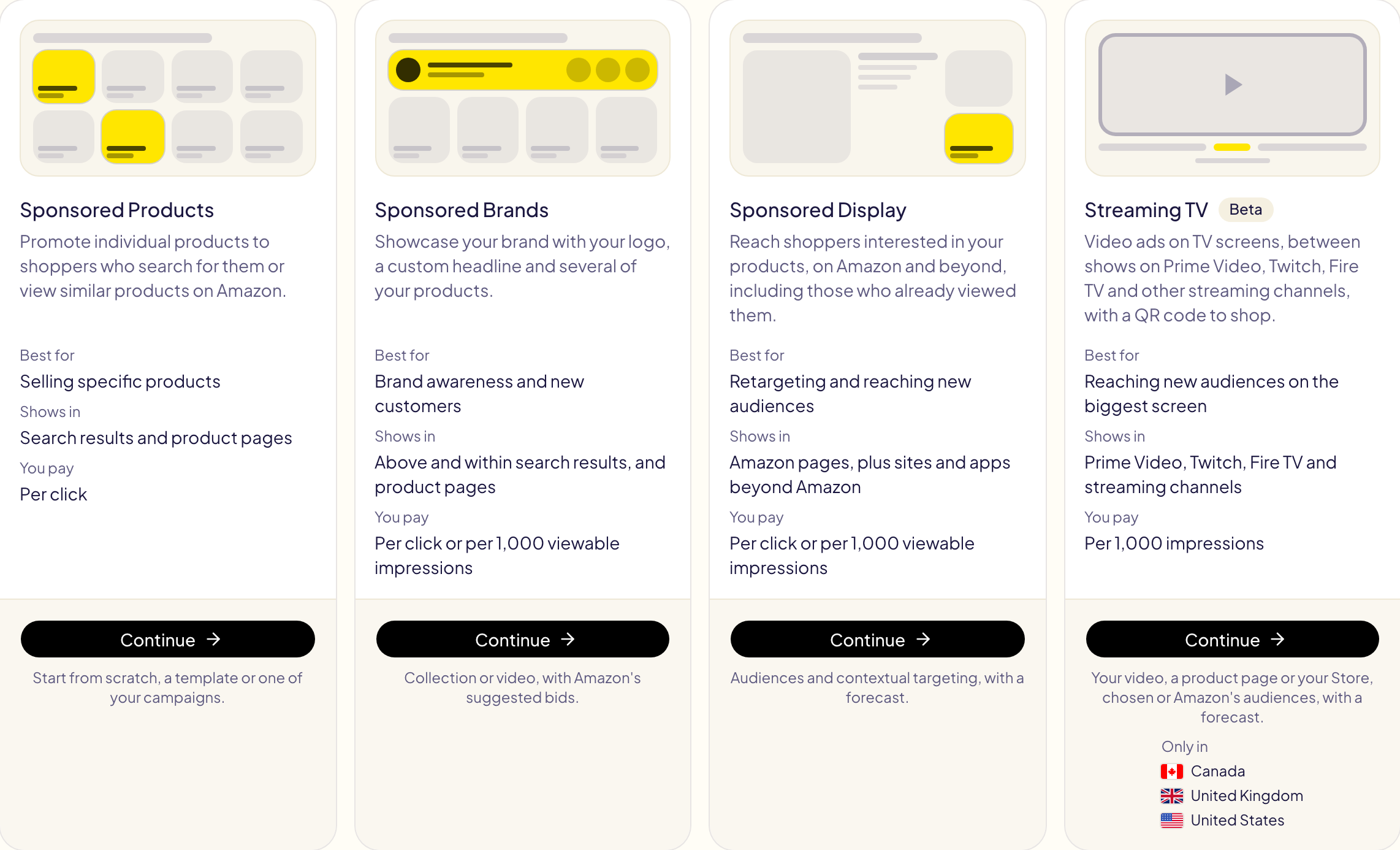
Pick one of four cards, then click Continue.
| Type | Shows in | You pay |
|---|---|---|
| Sponsored Products | Search results and product pages | Per click |
| Sponsored Brands | Above and within search results, and product pages | Per click or per 1,000 viewable impressions |
| Sponsored Display | Amazon pages, plus sites and apps beyond Amazon | Per click or per 1,000 viewable impressions |
| Streaming TV (beta) | Prime Video, Twitch, Fire TV and streaming channels | Per 1,000 impressions |
Amazon does not offer every type to every account. A type it refuses everywhere is greyed out, marked Not offered, with the reason (for example, Sponsored Brands needs Brand Registry, and Streaming TV is not offered to KDP authors). A type offered on some of your marketplaces only lists them under Only in.
The steps
Every type follows the same page, from top to bottom:
- Marketplace — where the campaign is created. A marketplace where Amazon does not offer the type is greyed out.
- Start from — a blank campaign, one of your templates, or one of your campaigns (its settings are read on Amazon, nothing changes there). Then change what you need.
- Settings, ad group, ad and targeting — the same choices as in the Amazon Ads console, with Amazon's limits shown under each amount.
- Preview and create — click Preview: Gloriads checks the campaign against Amazon's rules and lists anything Amazon would refuse. Then click Create campaign (Launch campaign for Display and Streaming TV).
The campaign is created paused, with its ads and targets ready inside, unless you switch on Create the campaign enabled. Tick Also save these settings as a template to reuse them. After you approve, you land in Activity, which follows the creation and shows Amazon's answer.
Sponsored Products can also create the same campaign in your other marketplaces at once (Launch in other marketplaces), with products matched and keywords translated.
Sponsored Products keywords
Type the keywords in their box: Exact, Phrase, Broad and Broad match
modifier, one per line, a bid after a comma if you want one. Type broad match
modifier keywords without « + »: Gloriads puts one before each word
(+kids +shoes), so every word should be in the shopper's search. Amazon documents
the broad match modifier for Sponsored Brands only: on Sponsored Products, about 1
search in 15 still matched without every « + » word on an account we measured,
against 1 in 2 for a plain broad keyword. Starting from one of your campaigns keeps
its broad match modifier keywords.
Sponsored Brands keywords
Tick the match types to add: Broad, Phrase, Exact, and Broad match
modifier, which Amazon documents for Sponsored Brands. A broad match modifier is a broad
keyword with « + » before each word (+kids +shoes): every word must be in the
shopper's search, in any order. Its suggested bid is the broad keyword's: Amazon
suggests none of its own.
In Enter list or Upload file, write bmm after a keyword
(kids shoes, bmm, 0.70), or type its « + » (+kids +shoes). Starting from one
of your campaigns keeps its broad match modifier keywords as they are.
Video ads
Three types can show a video:
| Video ad | Where it shows | What it advertises |
|---|---|---|
| Sponsored Brands video | In search results, on Amazon | One product; a click opens its product page |
| Display video | Amazon pages, sites and apps beyond Amazon | One product, in an autoplaying video |
| Streaming TV | TV screens, between streaming shows | One product page or your Store, through a QR code |
Sponsored Brands video
- Pick Sponsored Brands.
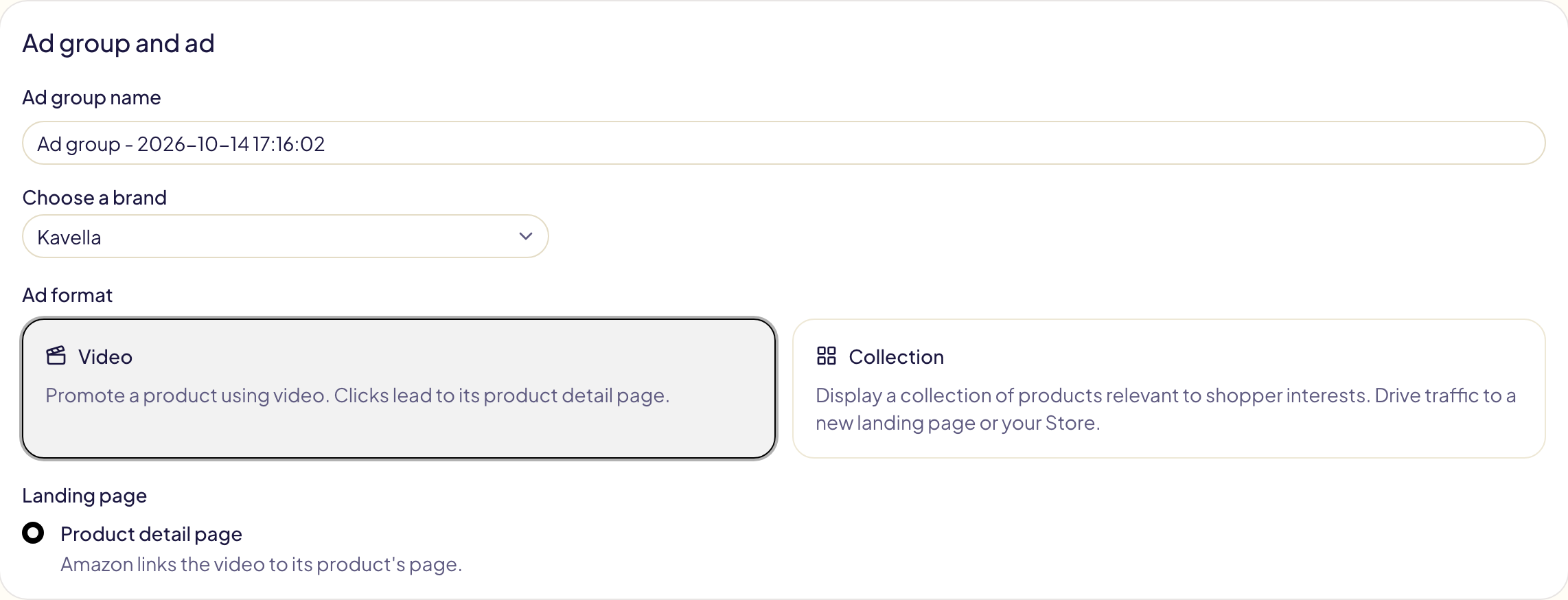
- In Ad group and ad, choose your brand, then the Video format. The ad leads to the product's page.
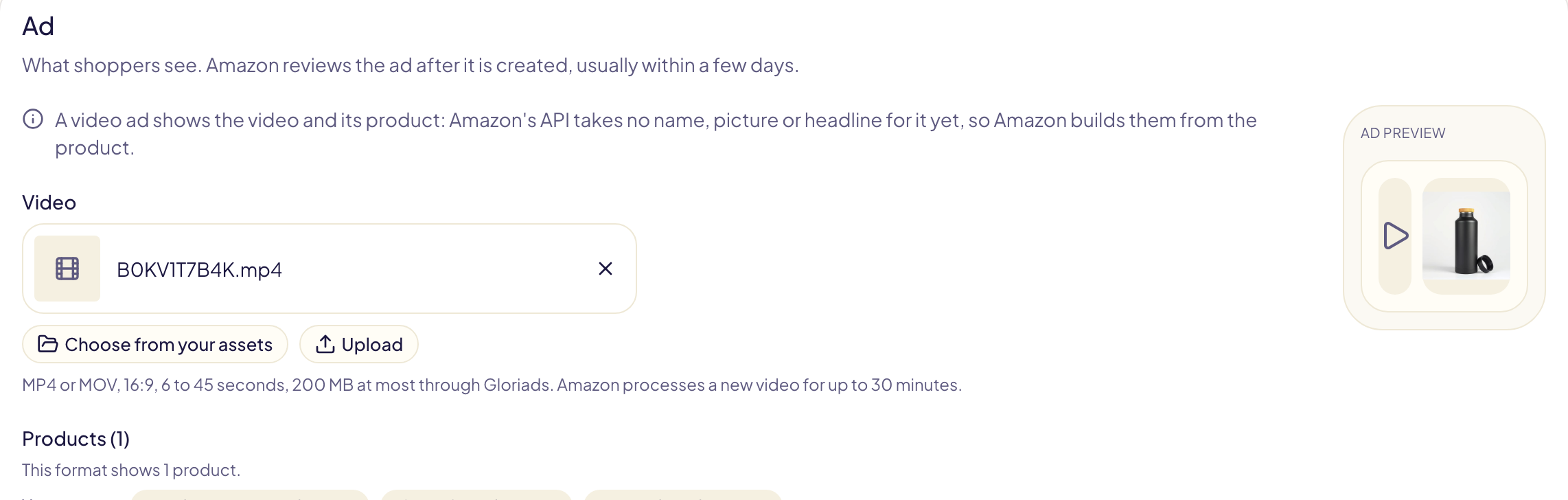
- In Ad, pick the video (see below) and add one product.
- Choose your keywords or products to target, then Preview and Create campaign.
Amazon builds the ad's name, picture and headline from the product: its API takes none for a video ad yet. Automated bidding and placement adjustments do not apply to video ads.
Display video
- Pick Sponsored Display.
- In Create an ad group, choose the Video format, then add one product.
- In Creative, pick the video. A headline (50 characters at most) and a logo are optional; Suggest headlines asks Amazon for ideas.
- Choose the optimization and targeting, then Preview and Launch campaign.
Streaming TV
Streaming TV shows your video on TV screens, between shows. Shoppers scan a QR code on the screen, which Amazon adds itself. It is offered in the United States, Canada, Mexico, Brazil and the United Kingdom, and is in beta in Gloriads.
- Pick Streaming TV.
- Set a daily budget: Amazon takes $20 to $50,000 a day.
- Landing page: one product's page, or a page of your Brand Store.
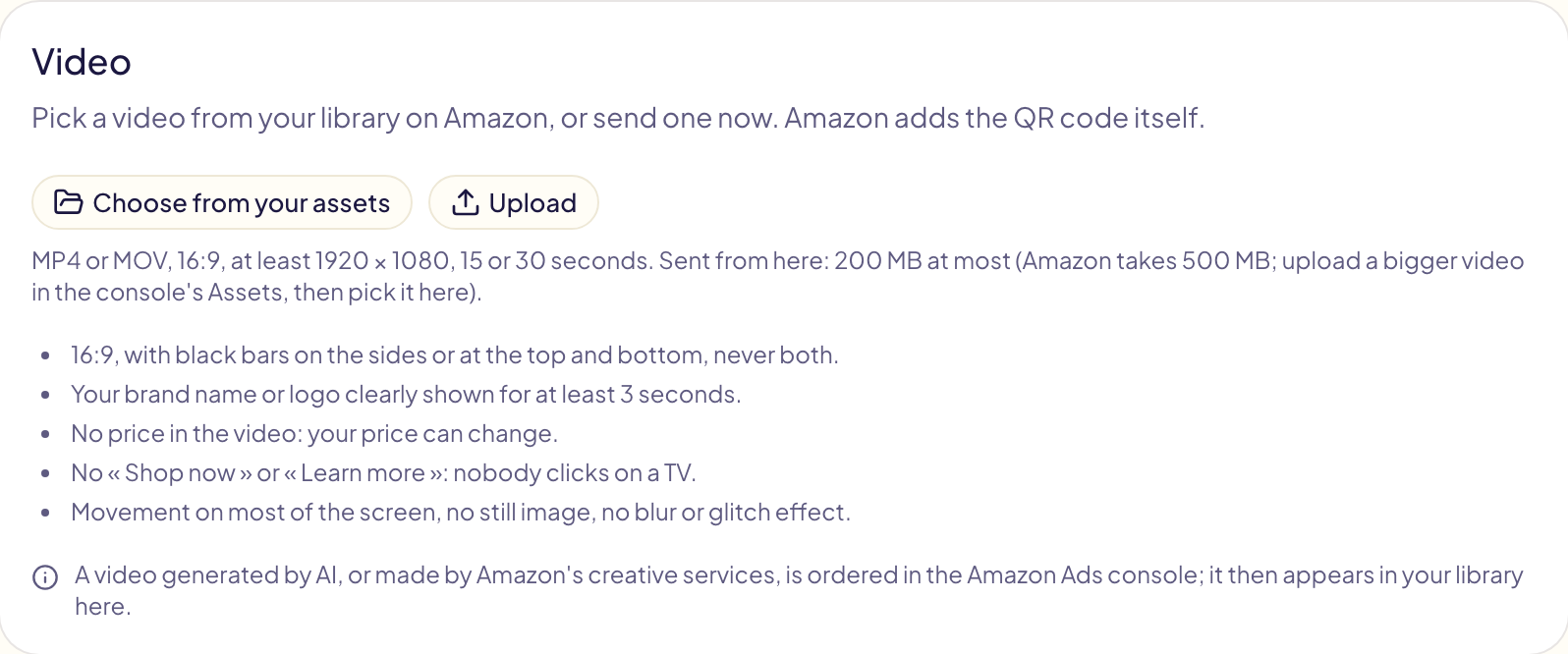
- Video: pick or upload it. Amazon's rules are listed under the field: 15 or 30 seconds, at least 1920 × 1080, your brand shown for 3 seconds, no price, no « Shop now ».
- Ad group: the maximum average cost per 1,000 impressions (CPM).
- Audiences: Amazon's dynamic audiences (advised for a first campaign) or the ones you choose. Locations are optional.
- Preview and Launch campaign.
Amazon reviews the video after the campaign is created, most often within 24 hours, up to 3 business days.
Pick or upload the video
The video comes from your Amazon Ads library for that marketplace:
- Choose from your assets lists the videos already in your library. A video Amazon is still processing shows Processing and can be picked once it is ready.
- Upload sends a video file from your computer to that library: MP4 or MOV, 16:9, 200 MB at most through Gloriads. Amazon processes a new video for up to 30 minutes.
| Ad | Length | Size |
|---|---|---|
| Sponsored Brands video | 6 to 45 seconds | — |
| Display video | 6 to 45 seconds (Amazon advises 15 at most) | At least 1920 × 1080 |
| Streaming TV | 15 or 30 seconds | At least 1920 × 1080 |
A bigger file is uploaded in the Amazon Ads console (Assets), then picked here. Amazon keeps every video of your library: it cannot be deleted afterwards.
Video ads on many products
To give each of many products its own video campaign, use
Bulk launch (Sponsored
Brands video) or a video template
(Sponsored Brands video, Display video, Streaming TV). Both find each product's
video by its name (B0XXXXXXXX.mp4) and can send your files to Amazon.