Bid limits
Find the bids outside their campaign's minimum and maximum, and bring them back inside after a preview.
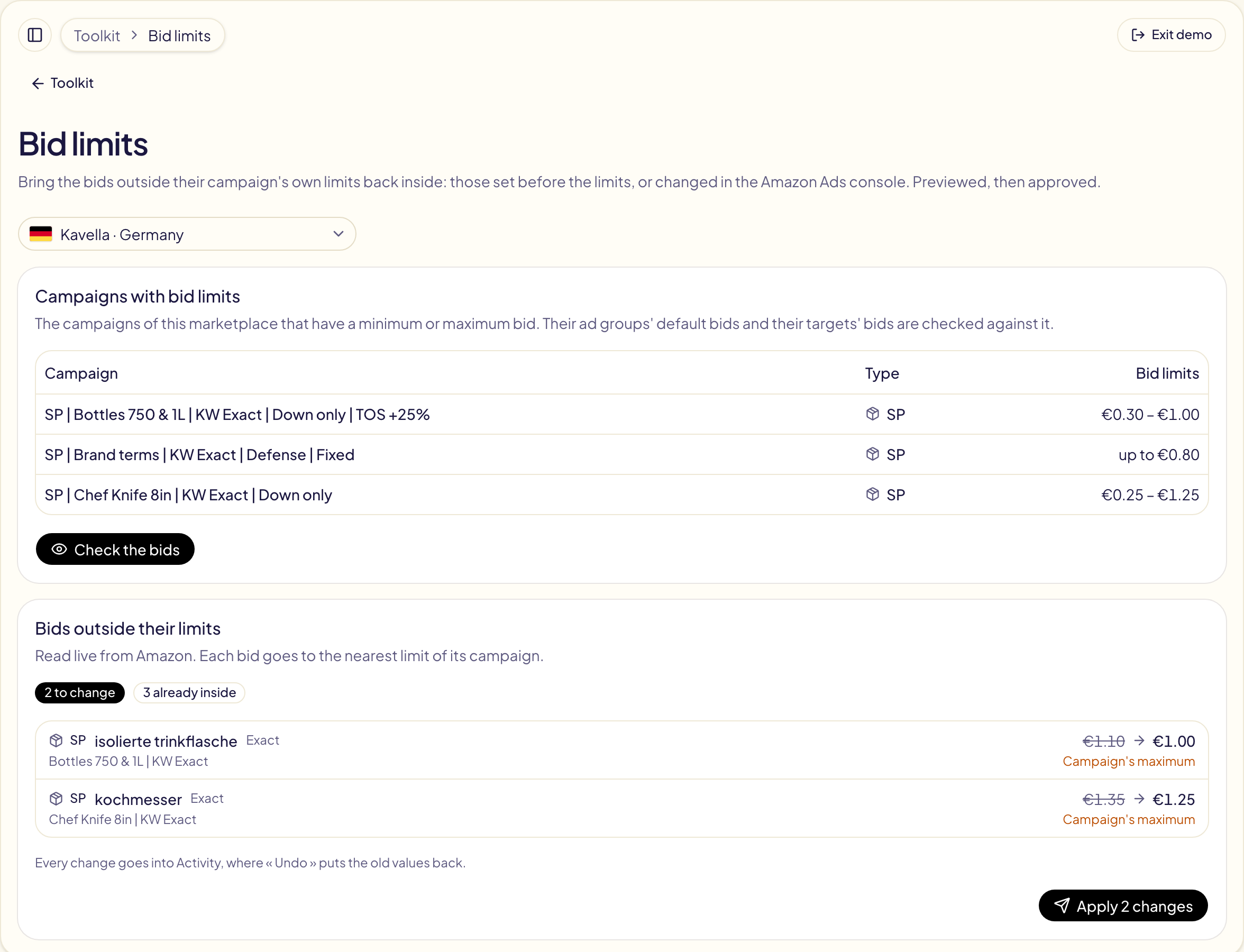
A campaign's bid limits keep every new bid Gloriads sets inside them. Bid limits in the Toolkit handles the bids that were already outside: set before the limits, or changed in the Amazon Ads console. Open Toolkit → Bid limits, then pick the marketplace at the top.
Check, then apply
- The page lists the marketplace's campaigns that have bid limits.
- Check the bids reads, live from Amazon, their ad groups' default bids and their targets' own bids. A target that bids its ad group's default has no bid of its own: its ad group's line moves that one.
- Each bid outside goes to the nearest limit: above the maximum, down to it; below the minimum, up to it. Bids already inside are counted, not changed.
- Apply sends the changes. They appear in Activity as « Bid limits », where Undo puts the old bids back.