
Connected, but no marketplace
Gloriads is connected to Amazon but shows no marketplace — why your Amazon login has no Amazon Ads account, and the two ways to fix it.
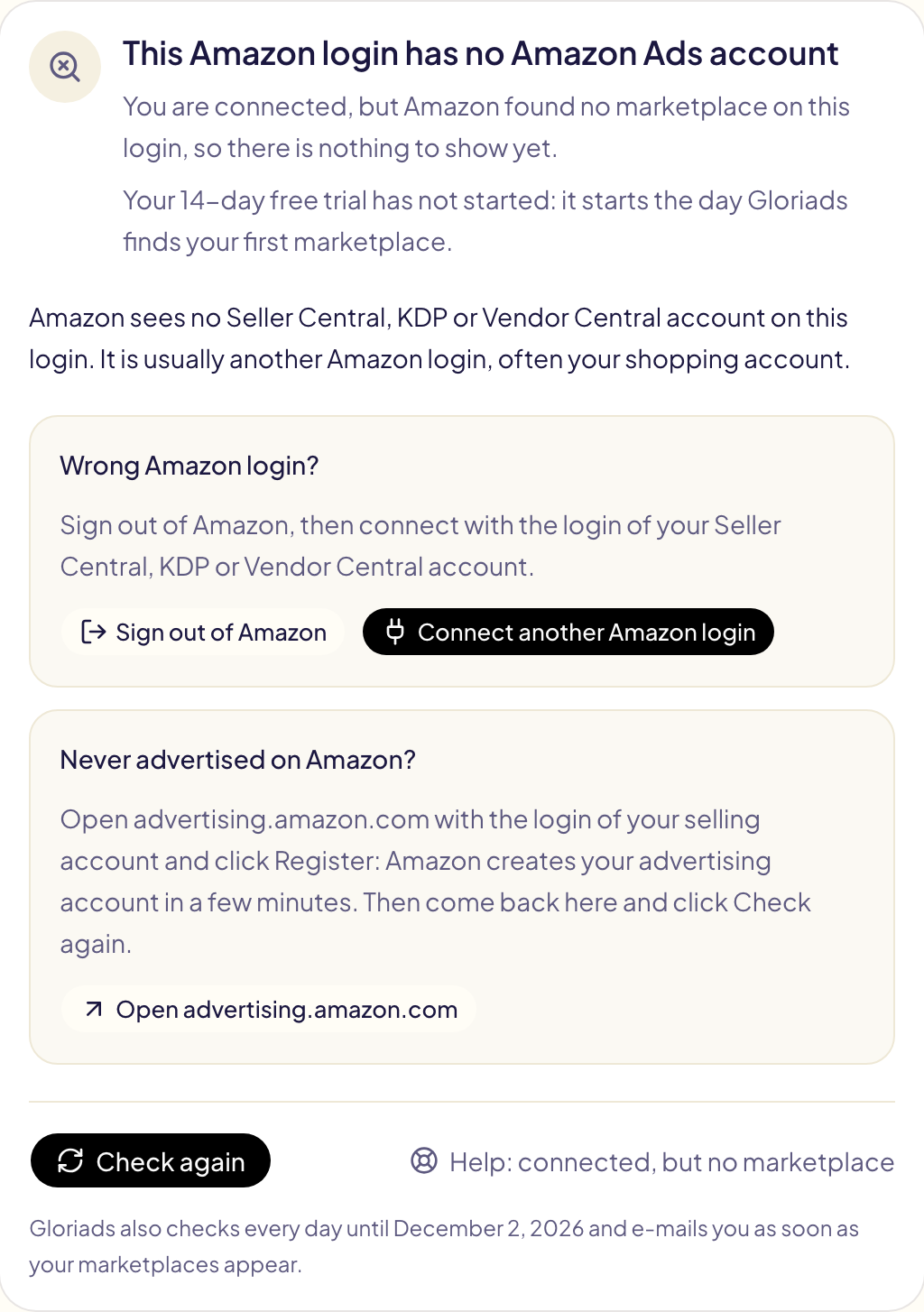
You connected Amazon, and Gloriads shows « This Amazon login has no Amazon Ads account ». Amazon found no marketplace on the login you signed in with, so there is nothing to show yet. Nothing is wrong with your Gloriads account.
Why it happens
| What Gloriads sees | What it usually means | What to do |
|---|---|---|
| No Seller Central, KDP or Vendor Central account on the login | You signed in with another Amazon login, often your shopping account | Sign in with the right login |
| A selling account, but no Amazon Ads account on it | Your account has never advertised on Amazon | Create your Amazon Ads account |
The screen says which case is yours.
Sign in with the right Amazon login
- Click Sign out of Amazon. Amazon opens in a new tab and signs you out.
- Back in Gloriads, click Connect another Amazon login.
- On Amazon, sign in with the login of your Seller Central, KDP or Vendor Central account, then allow access.
Amazon reuses the login already open in your browser: that is why you sign out first.
Create your Amazon Ads account
- Open advertising.amazon.com with the login of your selling account.
- Click Register and follow Amazon's steps. Amazon links your selling account to a new advertising account in a few minutes.
- Back in Gloriads, click Check again.
Check again
Check again asks Amazon for your marketplaces at once. As soon as Amazon gives one, Gloriads lists your marketplaces and starts bringing in your campaigns and figures.
Gloriads also checks by itself every day for 14 days after your last connection, and e-mails you as soon as your marketplaces appear.
Your free trial
Your 14-day free trial starts the day Gloriads finds your first marketplace, not at the connection: you lose no trial day while your login has none. The Keyword & ASIN Finder, the Library and Settings stay free meanwhile.